iDownAlert
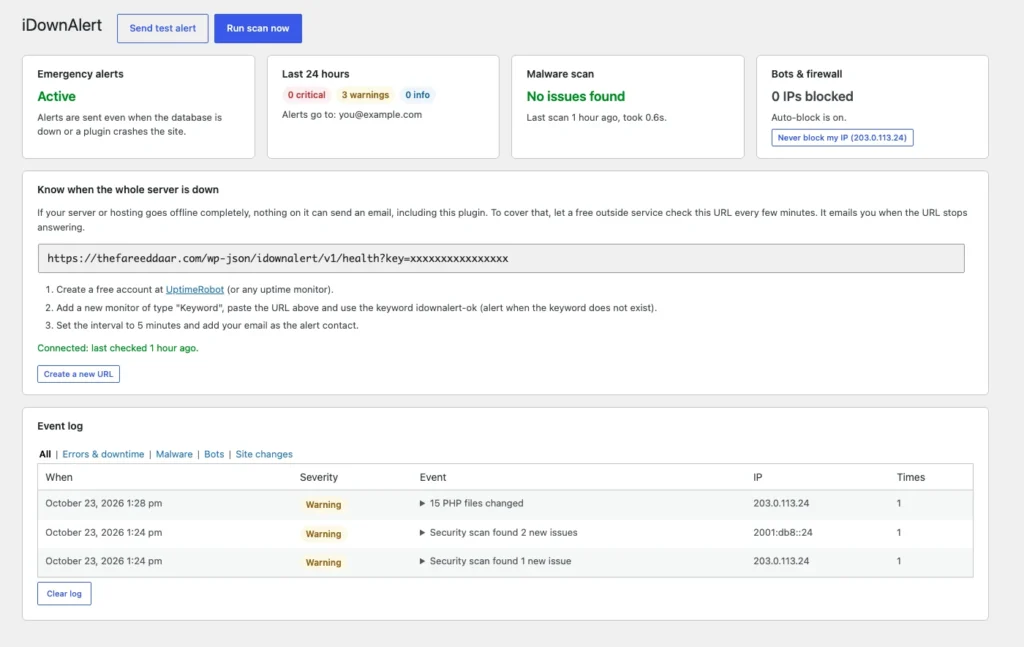
Know when your WordPress site breaks before your visitors do. Instant email and Telegram alerts for fatal errors, database outages, malware, file changes, brute-force bots and risky changes.
Stop finding out from your customers
Most site owners learn their site is down when someone sends them a screenshot of a white page or "Error establishing a database connection". By then it may have been broken all weekend.
iDownAlert watches for the problems that matter and emails you the moment one happens, with the error, the file and the plugin that caused it. Two small drop-in files keep it working even when the database is down or a plugin crashes the site.
What it watches
Errors, malware, bots and risky changes, with one alert per problem instead of a flooded inbox.
Fatal errors
The white screen of death, reported with the error message, the file and line, and which plugin or theme caused it.
Database outages
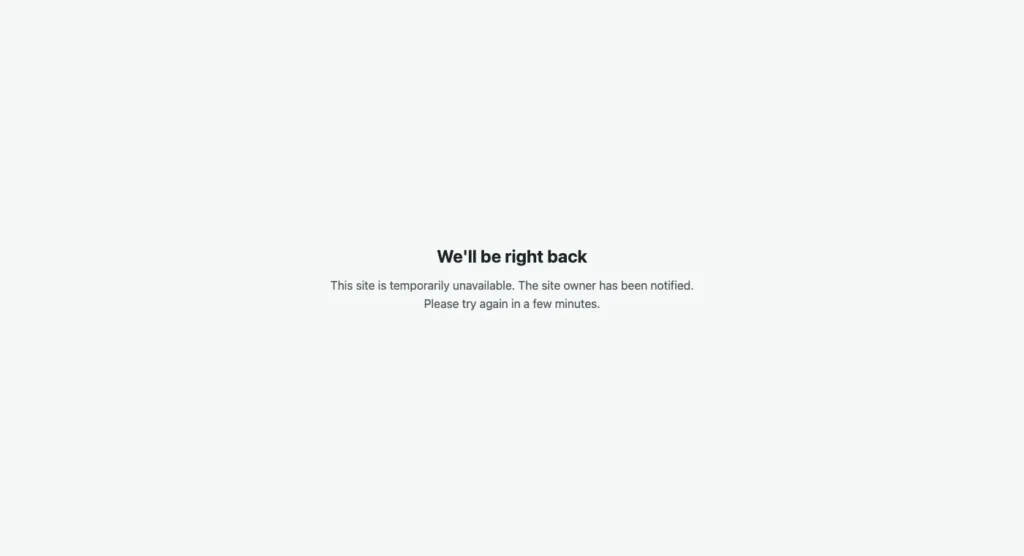
An alert when WordPress cannot reach the database, a clean "We'll be right back" page for visitors, and a second alert when it recovers.
Whole server down
A private heartbeat URL for a free uptime monitor like UptimeRobot, with step-by-step setup and a check that it is connected.
Malware scan
Core files checked against official WordPress.org checksums, PHP in uploads, unknown files, and new or changed files checked for backdoors.
Bots and brute force
Repeated failed logins, 404 floods and scanners probing for .env, .git or config backups, with optional automatic IP blocking.
Risky changes
New administrators, site URL or admin email changes, plugins and themes added or removed, and failed automatic updates.
Site health
SSL certificates about to expire, low disk space, and emails your site fails to send.
Delivery you can trust
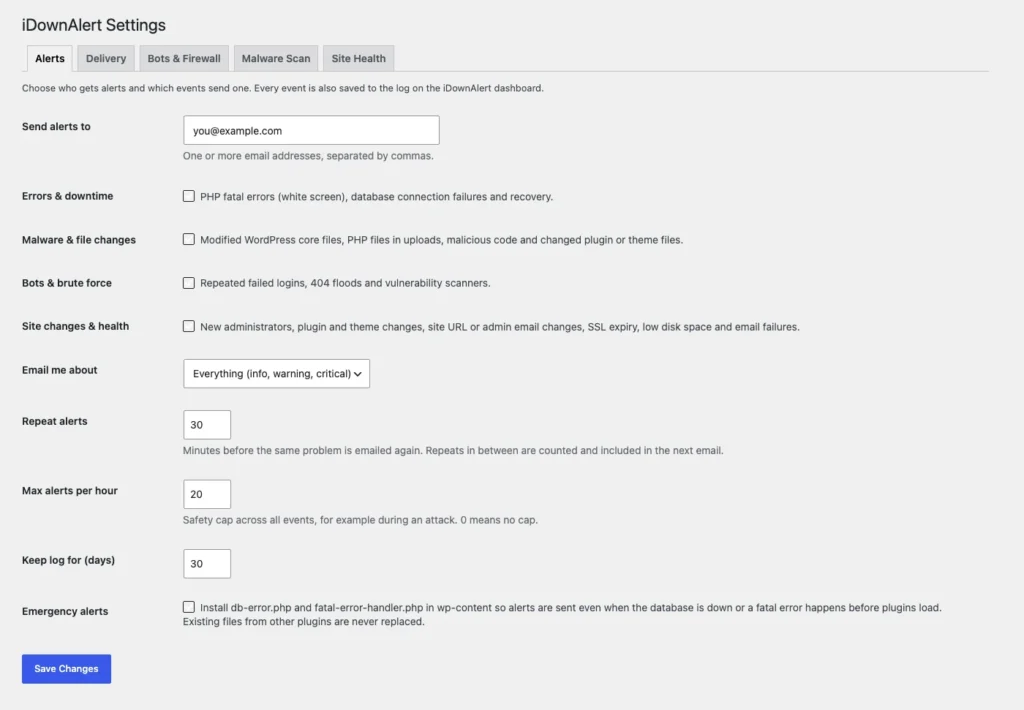
Email by default, its own SMTP connection independent of other mail plugins, and a Telegram bot as a backup.
A look inside the dashboard
Installation
About five minutes, including the free uptime monitor.
- Download the zip and upload it from Plugins, Add New, Upload Plugin.
- Activate it, then check the alert email under iDownAlert, Settings.
- Optional: set up SMTP or Telegram under Delivery and click "Send test alert".
- Copy the heartbeat URL from the dashboard into a free uptime monitor.
- Run the first scan. After that it runs in the background every day.
Frequently asked
Not by itself, because no code can run on a server that is off. That is what the heartbeat URL is for: a free outside monitor checks it every few minutes and emails you when it stops answering. Everything else, including database outages and fatal errors, is reported by the plugin directly.
No. Repeats of the same problem are grouped into one email, and the next one tells you how many times it happened in between. A global hourly cap protects you during an attack, and every event is kept in the dashboard log.
No. Scans run in the background once a day by default, and after the first scan only new and changed files are checked for malicious code.
wp-content/db-error.php, wp-content/fatal-error-handler.php and a protected wp-content/idownalert folder. If another plugin already uses one of those drop-ins, iDownAlert leaves it alone, and everything is removed when you deactivate it.
Click "Mark as safe" next to it on the dashboard. If the file changes later, it is checked again.
Add your own IP to the allowlist with one click from the dashboard. If you are already locked out, add define( 'IDOWNALERT_DISABLE_FIREWALL', true ); to wp-config.php.
Release history
- First release.
Be the first to know
Free to download and use. If you would rather have someone watching your site for you, that is what my care plans are for.