GymFlow
Gym management for owners who want their books on their own computer. Members, plans, renewals, payments and expenses in one place, with no account to create, no subscription to a server, and no internet connection required.
A register, not a SaaS
Most gym software assumes a monthly fee, a cloud account and a member app nobody installs. A single-location gym usually wants something much smaller: who is a member, whose membership expires this week, what came in, what went out.
GymFlow answers exactly that. It installs on the front-desk computer, stores everything in a local database, and shows the owner a running balance the moment it opens.
Seven screens, nothing spare
Dashboard
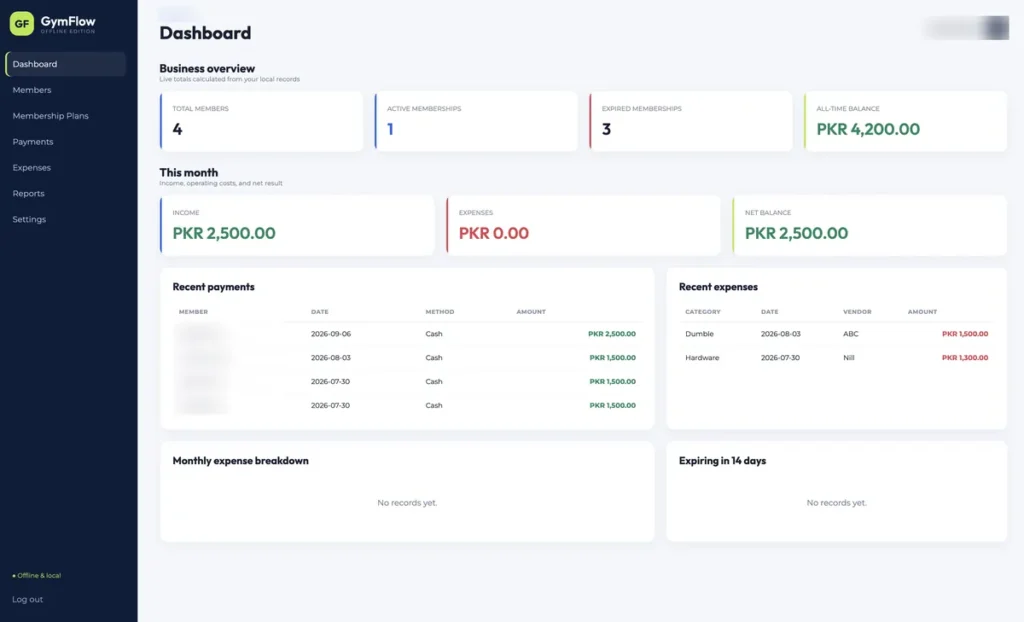
Total members, active and expired memberships, and an all-time balance up top. Below that, this month income against expenses, recent payments, recent expenses, a category breakdown and everyone expiring in the next fourteen days.
Members
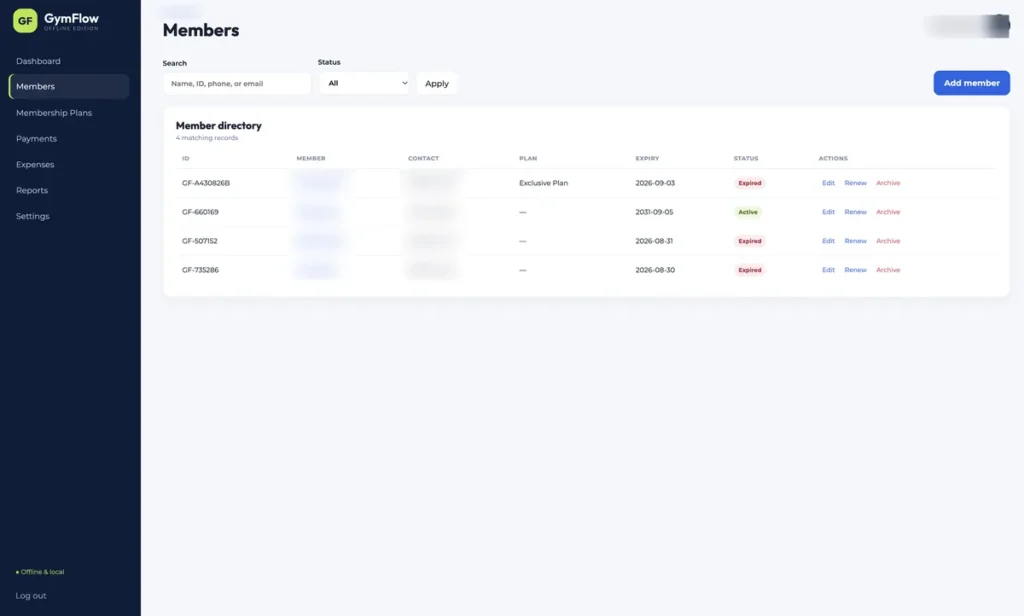
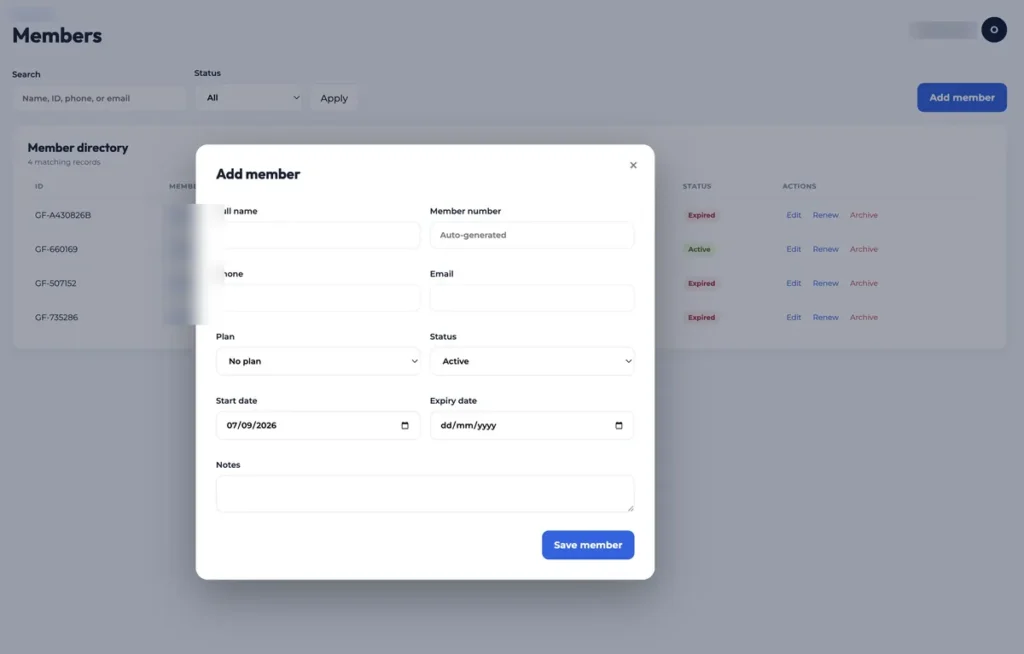
A searchable directory filtered by status. Add, edit, renew or archive a member, each one carrying a member number, contact details, plan, start and expiry dates and notes.
Membership plans
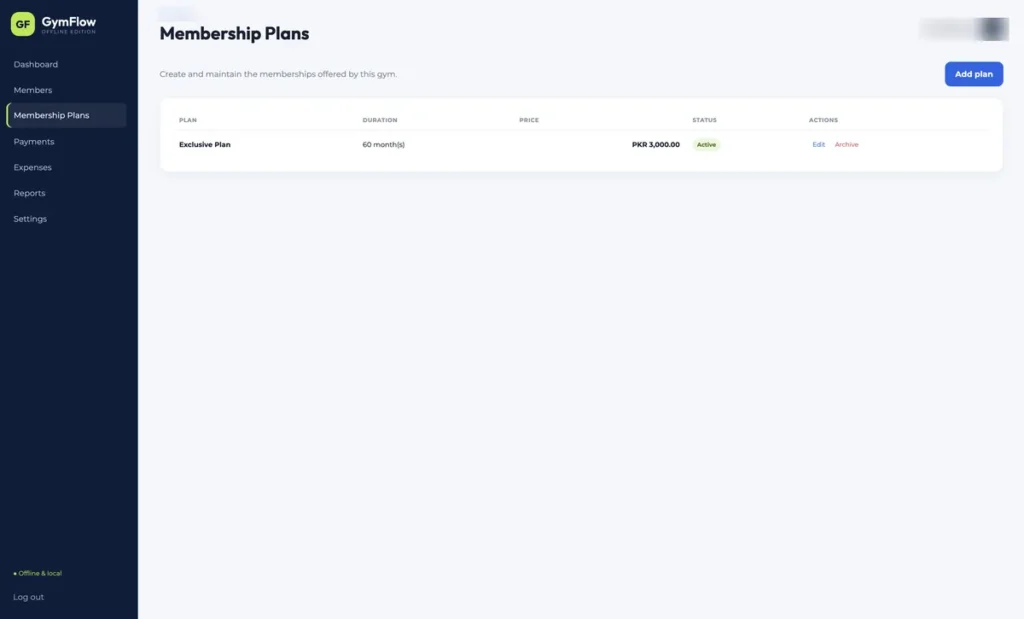
Define the plans the gym actually sells, then attach them to members. Old plans are archived rather than deleted so historic records stay readable.
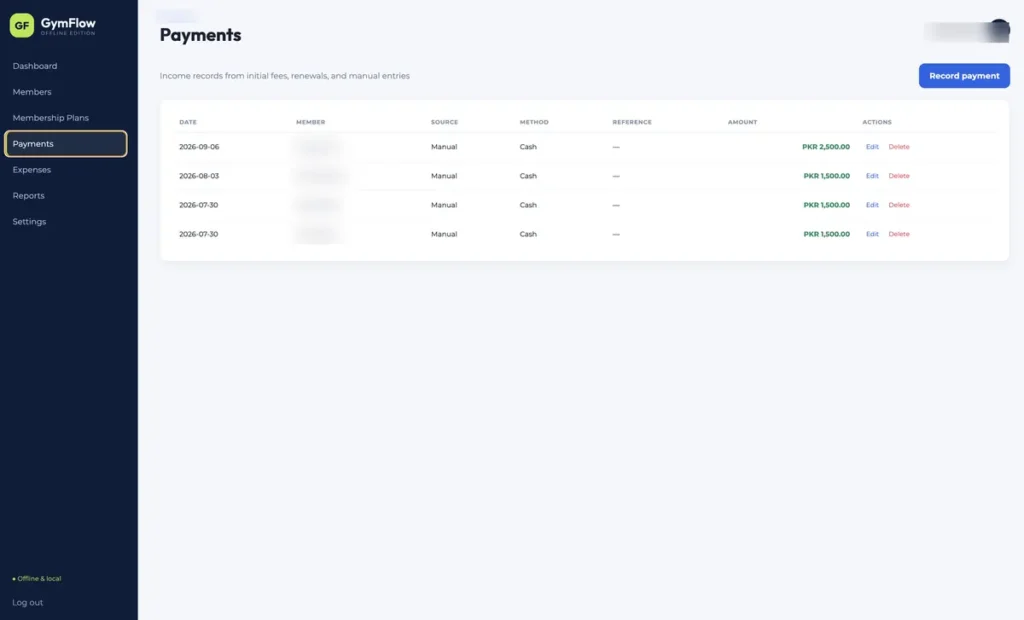
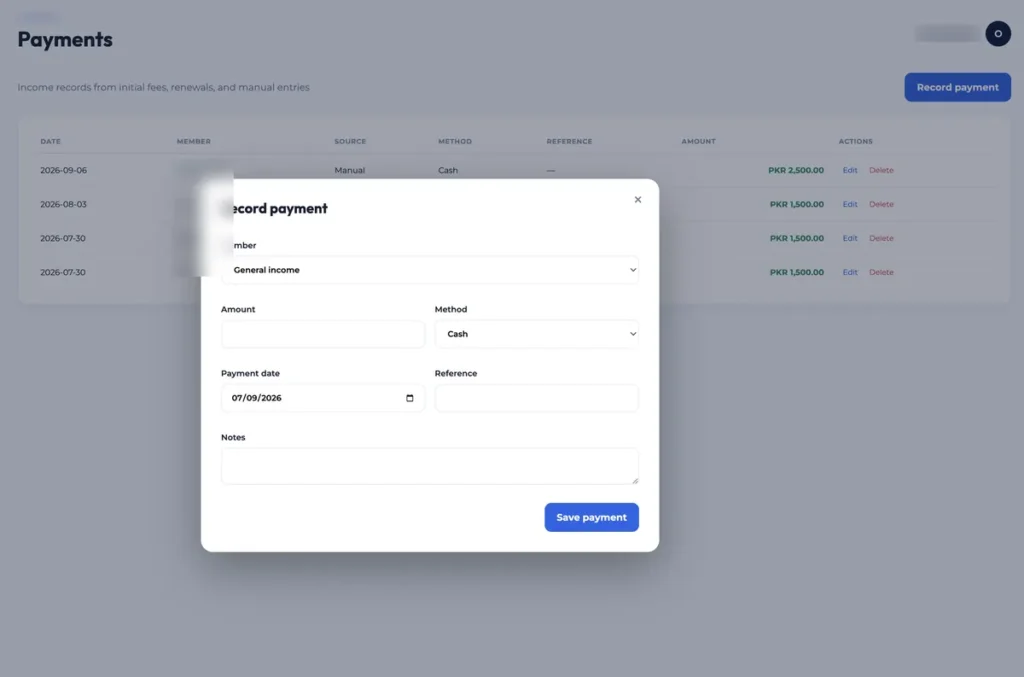
Payments
Record a payment against a member with a date, method and amount. Renewals push the expiry date forward from the plan.
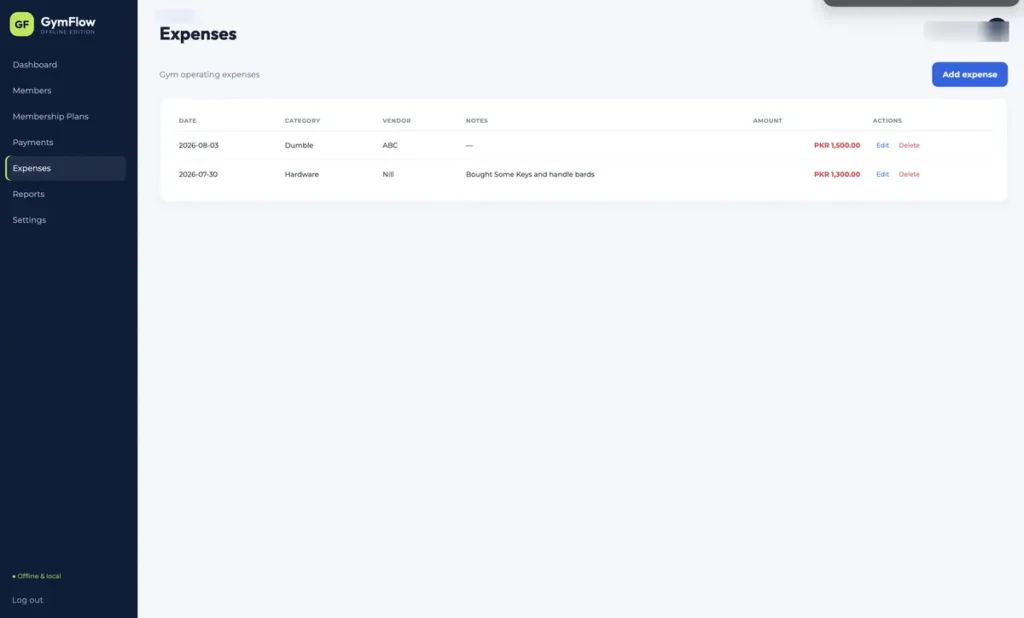
Expenses
Rent, equipment, utilities and everything else, with a category and an optional vendor, so the monthly balance is a real number rather than a guess.
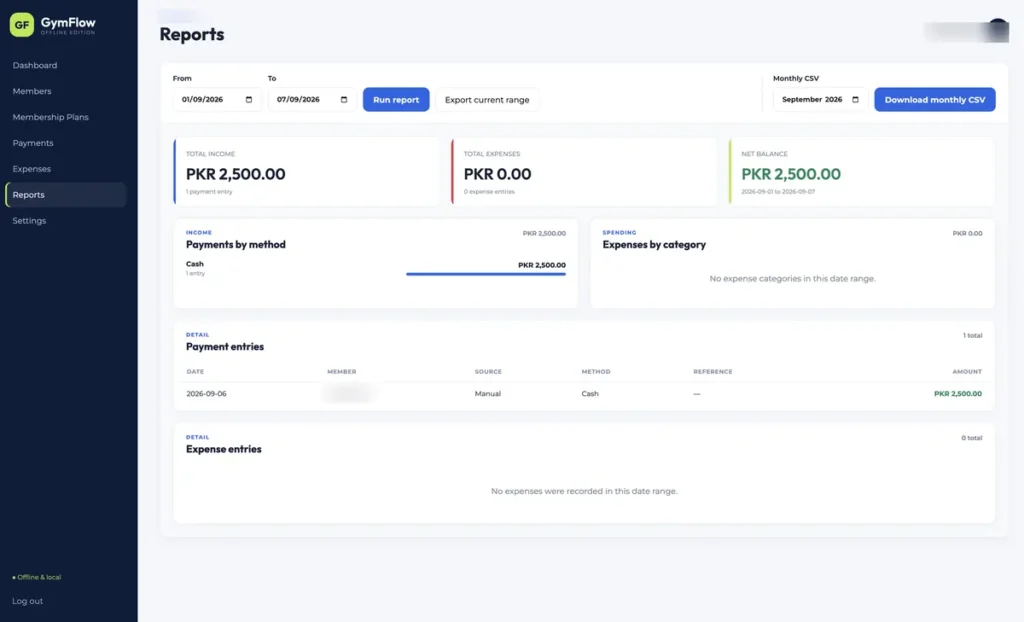
Reports
Run a report over any date range, export the current range, or pull a monthly CSV for the accountant.
Settings
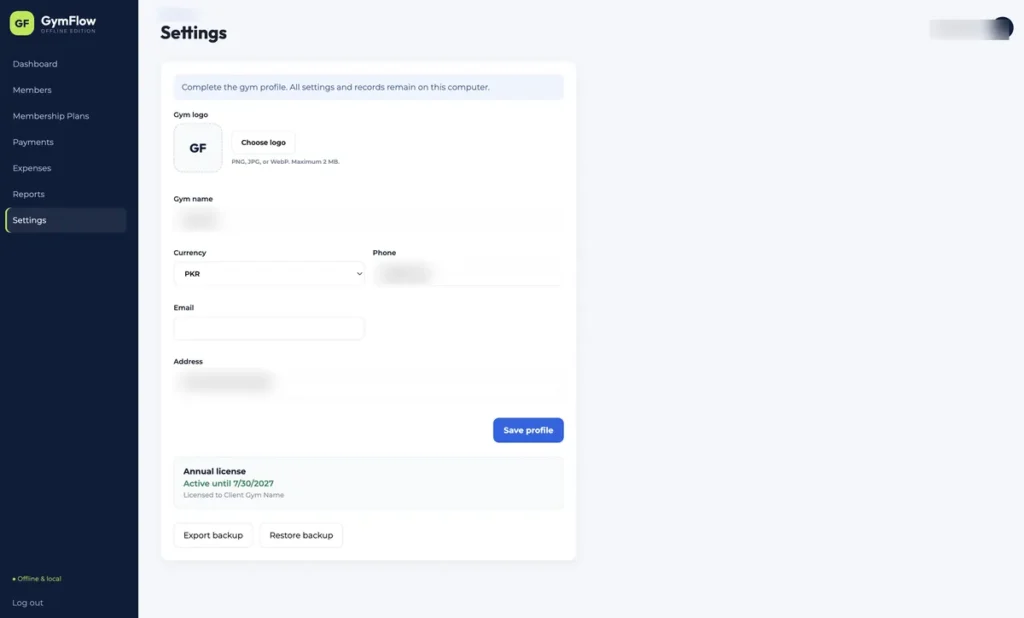
Gym name, logo, address, phone, email and currency, which then brand the interface. Backup export and restore live here too, alongside the license status.
The app itself
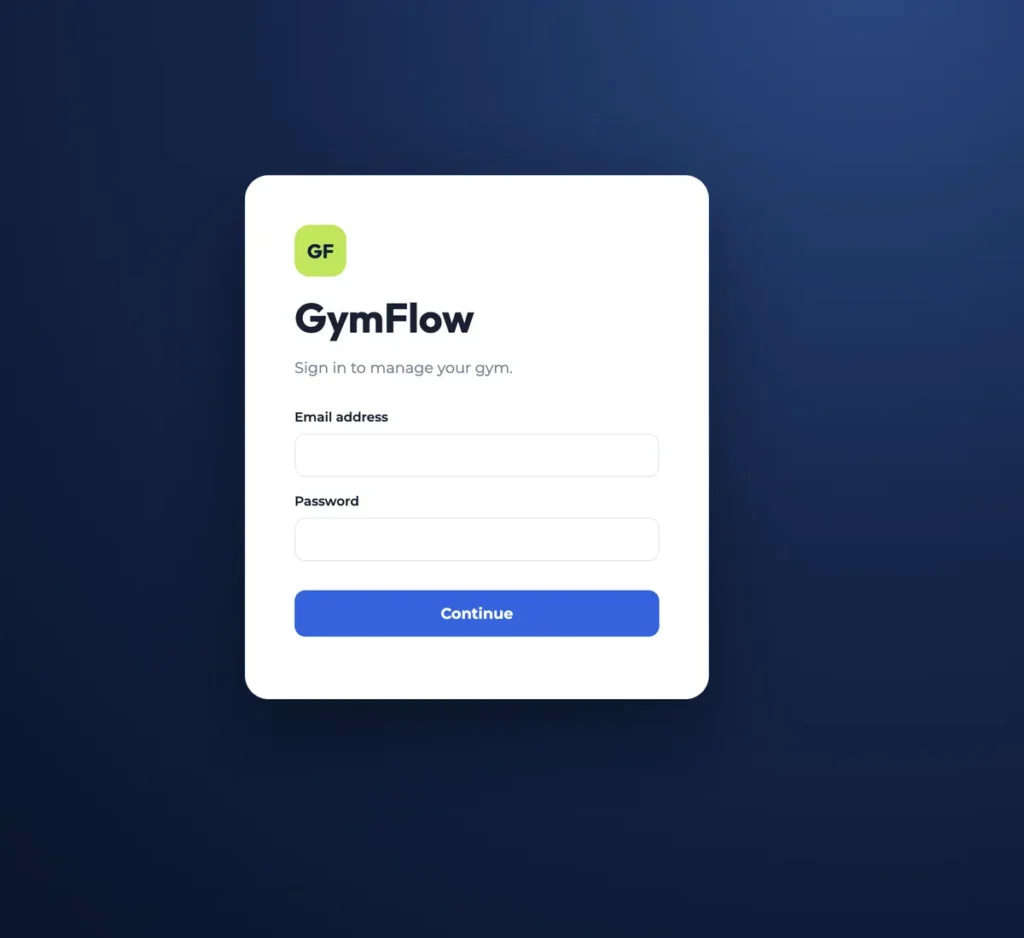
Captured from a demo install. Member names, contact numbers and gym details are obscured.
Local by design
- One SQLite file. Members, plans, payments, expenses and settings all sit in a single local database the owner can back up and move.
- No network calls. The app makes none. Nothing about the gym leaves the computer it runs on.
- Offline license checking. Each install generates an installation ID and is unlocked with a signed annual key, verified locally against a bundled public key.
- A locked-down renderer. A strict content security policy, no remote scripts, no remote fonts, and a narrow preload bridge between the interface and the database.
- Backup and restore built in. Export the whole dataset from Settings and bring it back on a new machine.
Setup
Install, activate, name the gym. The app opens on Settings until the profile is filled in.
- Install the app on the front-desk computer.
- Copy the installation ID it shows and send it over.
- Paste the license key issued for that machine.
- Create the owner account with an email and password.
- Set the gym name, logo and currency in Settings.
- Add the membership plans, then start adding members.
Frequently asked
No. There is no server, no sync and no account in the cloud. The app works the same whether the gym is online or not.
In a local database file on that computer. Nobody else can read it, and Settings has an export so you can keep your own backups.
Each install is licensed to one machine and keeps its own data. Multi-terminal shared data is a separate build, the way Clinico handles it.
Assign a plan to the member, then renew. The expiry date moves forward by the plan length and the payment is recorded against the member.
A member whose expiry date has not passed. Anyone expiring within fourteen days shows in a separate list so the desk can chase them early.
Yes. Reports exports the current range as CSV, and there is a monthly CSV for handing to an accountant.
Still tracking members in a notebook?
GymFlow is licensed per machine, installed on yours, and yours to keep. Get in touch for a walkthrough.