A few weeks ago I released iStyleBlox 2.0 with five new blog blocks and built-in schema. Version 2.1 is a smaller, focused update: it makes three blocks you already use smarter, without adding a settings page or slowing your site down.
What’s new in 2.1
Table of contents will be generated here.
A smarter Table of Contents
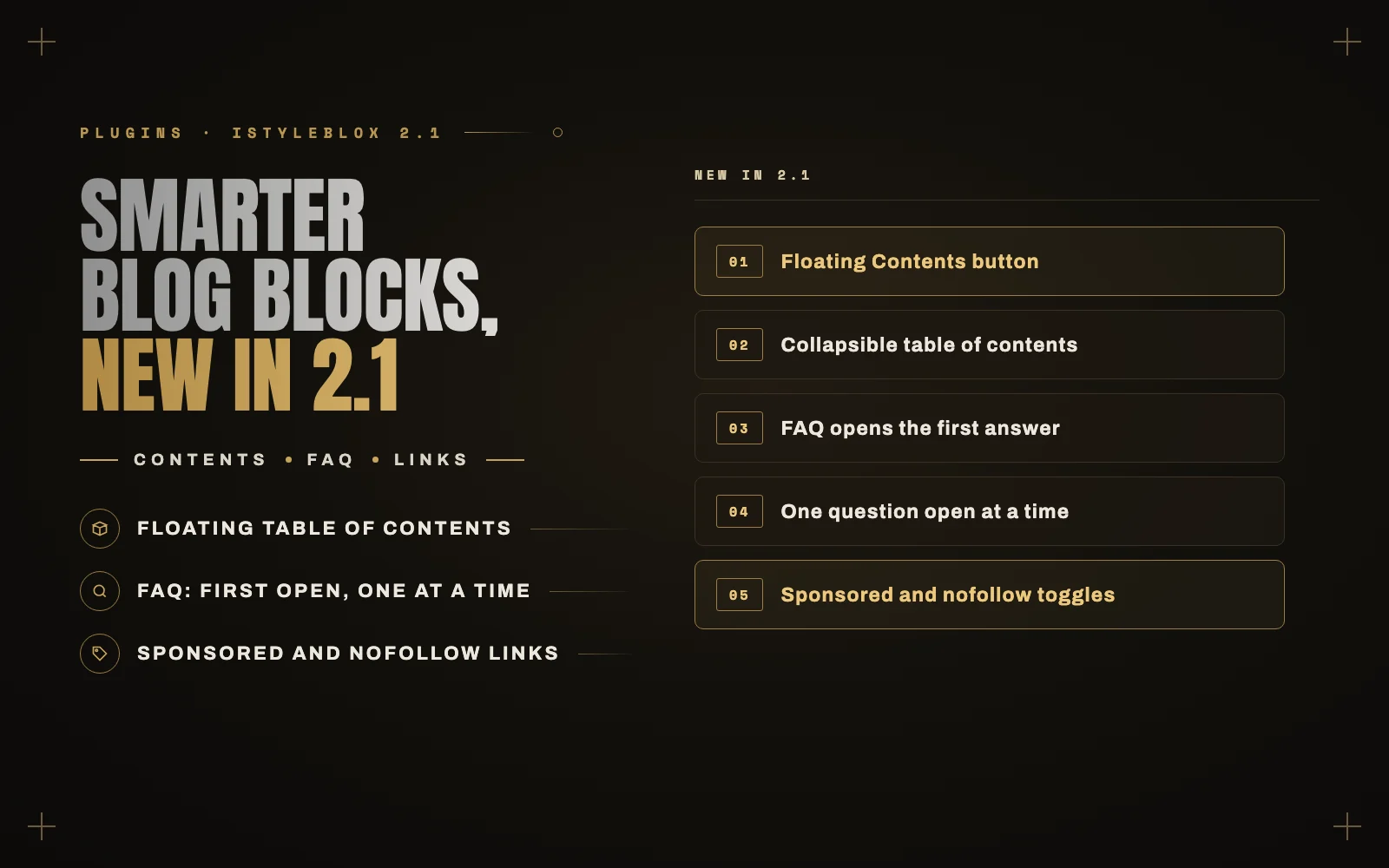
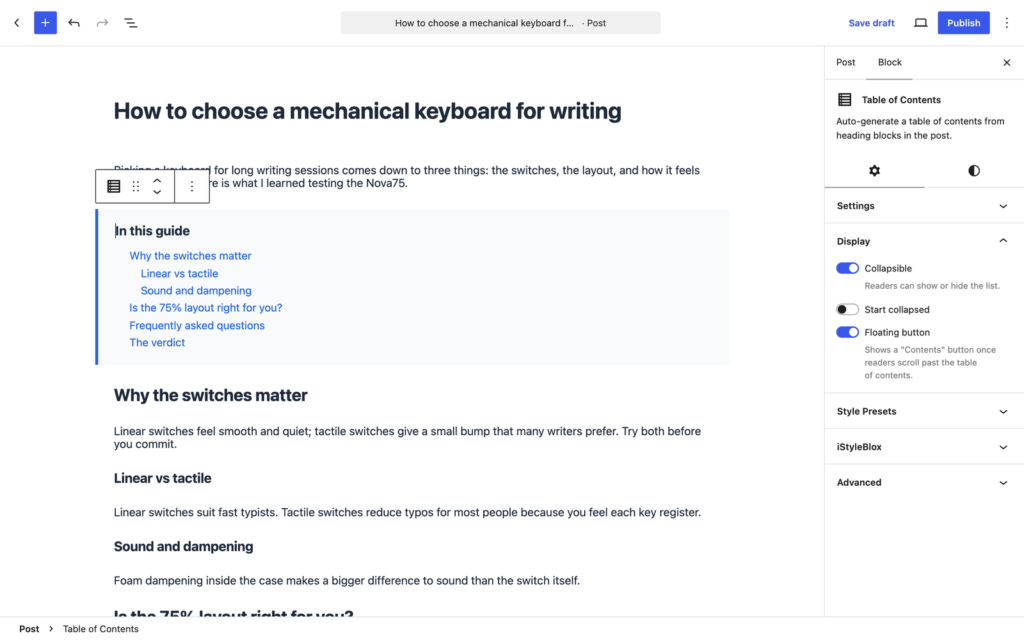
Long posts need navigation that keeps up with the reader. The Table of Contents block now highlights the section you are reading, and has two new options in the block settings:
- Collapsible: readers can fold the list away, and you can choose to start it collapsed.
- Floating button: once readers scroll past the table of contents, a small “Contents” button appears at the bottom of the screen and opens the list in a pop-up.
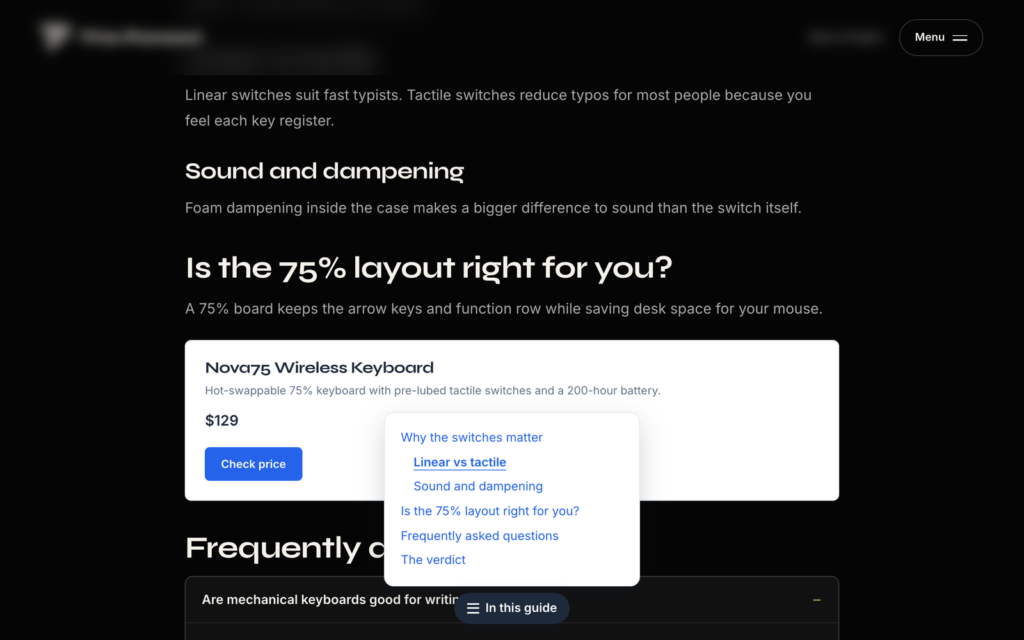
Try it on this post: scroll down and the “What’s new in 2.1” button will follow you.
FAQ accordion options
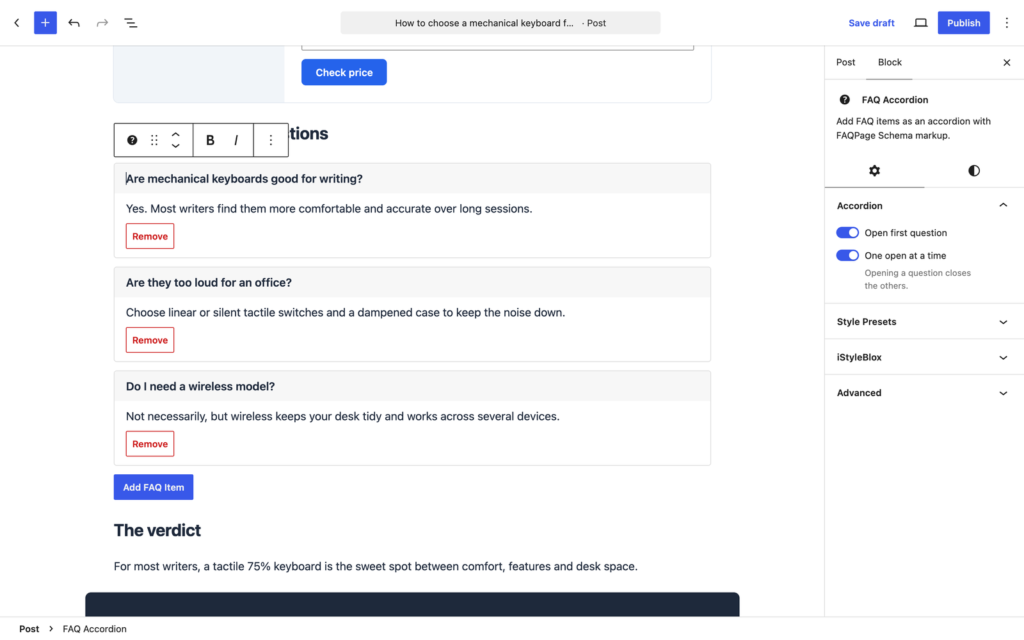
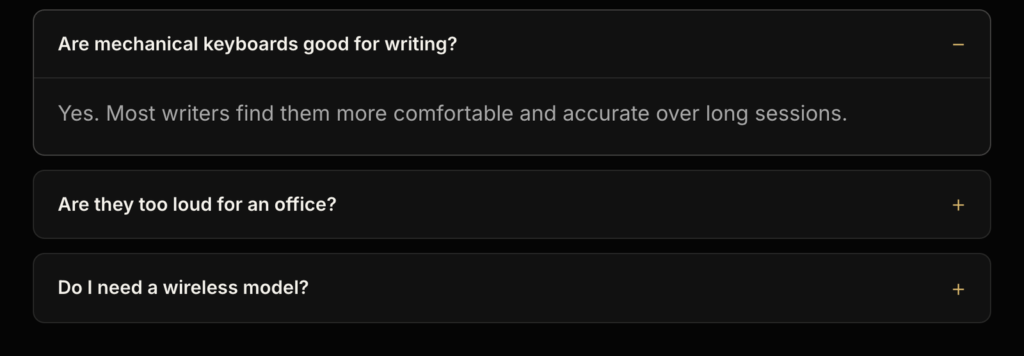
The FAQ Accordion can now open the first question by default, so readers see an answer straight away, and keep only one question open at a time. Answers also open with a subtle animation, which is skipped for visitors who prefer reduced motion. The “one at a time” option uses the browser’s built-in accordion support, so it adds no extra JavaScript.
Affiliate-ready button links
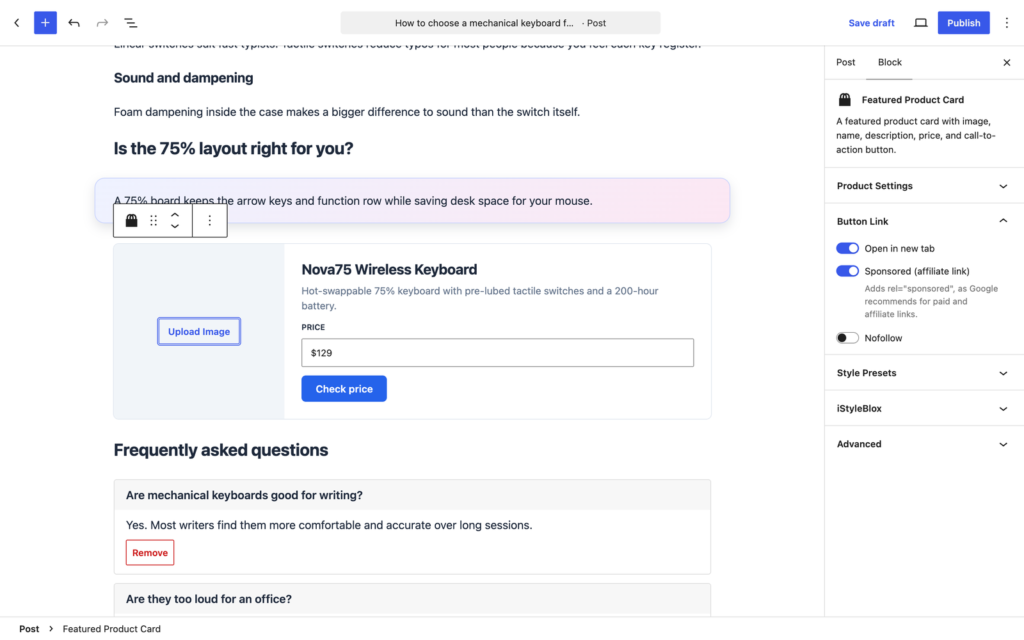
If you write reviews or recommend products, Google asks you to mark paid and affiliate links with rel="sponsored". The CTA Box and Featured Product Card buttons now have three toggles: Open in new tab, Sponsored and Nofollow. Links you type into the description are left untouched.
Also in this update
- The Table of Contents no longer lists titles from other blocks, such as a product name or CTA heading.
- All new options are applied when the page is displayed, so existing posts keep working with no “invalid block” warnings and nothing to re-save.
How to update
If iStyleBlox is already installed, update it from Dashboard → Updates. New to iStyleBlox? Go to Plugins → Add New, search for “iStyleBlox”, then install and activate it. The new options appear in the block settings sidebar.
Questions
Get iStyleBlox free
Twelve blog blocks, a styling panel for any block, and built-in schema. No page builder needed.
Download from WordPress.org