A lot of my work starts with a site that was “on a maintenance plan” and broke anyway. The plan was real. The owner paid every month. But when I look closer, the updates were run blindly on the live site, the backups had never been tested, and nobody was watching when the contact form stopped sending email three months earlier.
WordPress maintenance plans are only worth what they actually check. Here is what a good one includes, a monthly checklist of the work, the questions I would ask before signing up for any of them, mine included, and what you should expect to pay.
Why WordPress needs maintenance at all
WordPress itself is solid. The risk comes from everything around it: the plugins, the theme, the hosting and the PHP version they all run on.
A typical small business site has twenty or more plugins, each updated on its own schedule by different people. Most updates are harmless. Some fix security holes that are actively being exploited. A few break something, usually in a way you only notice when a customer tells you.
Maintenance is the work of keeping all of that current without breaking the site, and noticing quickly when something does go wrong.
What a good plan includes
Updates that are tested, not just clicked
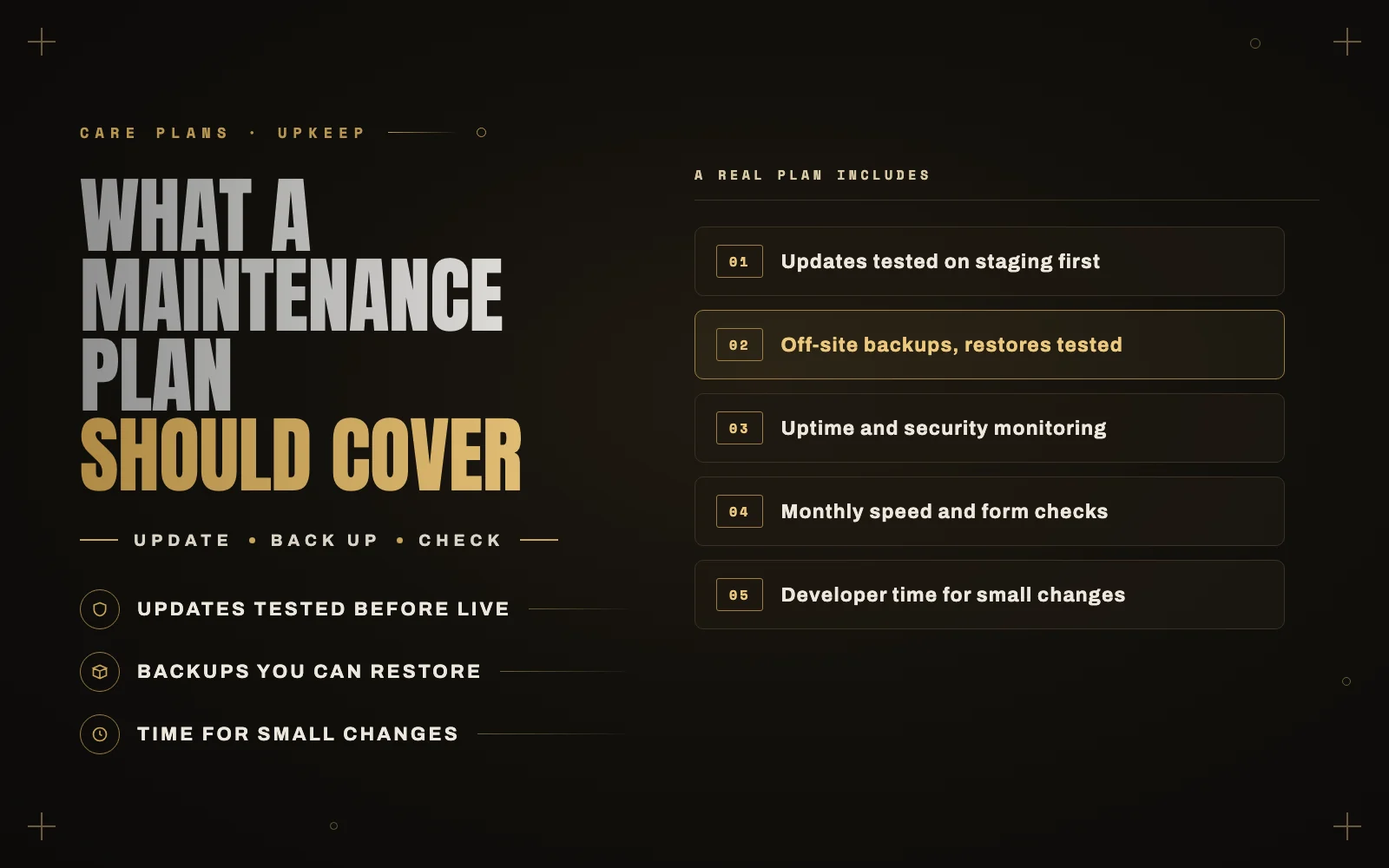
Anyone can press “update all”. A real plan updates plugins, themes and WordPress core on a staging copy first, checks the important pages and features, and only then updates the live site. For a store, that means a test order through checkout, not just a glance at the homepage.
Ask how updates are tested. If the answer is “they run automatically”, that is not maintenance, it is a setting you could switch on yourself for free.
Backups that have been restored at least once
Every plan says “daily backups”. The questions that matter are:
- Where are they stored? Backups kept only on the same server disappear when that server has a problem. They should be stored off-site.
- How long are they kept? If a hack went unnoticed for two weeks, a seven-day backup history will not help.
- Has anyone ever restored one? A backup that has never been tested is a hope, not a backup.
Security monitoring
At minimum: a firewall, login protection and two-factor authentication on admin accounts, plus regular malware scans. Just as important is someone actually reading the alerts.
Uptime and form monitoring
Uptime monitoring tells you when the site is down. It does not tell you when the contact form silently stops sending email, which is one of the most common and most expensive problems I find. A good plan tests the forms and, for stores, the checkout, on a schedule.
Speed checks
Sites get slower over time as plugins, images and tracking scripts pile up. A monthly look at speed, using real user data where available, catches that before it costs you rankings or sales. I walk through what that looks like in my Core Web Vitals case study.
PHP and hosting housekeeping
Hosts retire old PHP versions on their own schedule. Moving to a new version is usually smooth, and occasionally it breaks an old plugin or theme. Someone should test that before your host forces the change.
Time for small changes
The most useful part of a plan is often a small block of developer time each month: updating a page, adding a new form, fixing a layout on mobile. Without it, every small change becomes a separate quote.
A short report
You should get a monthly summary: what was updated, any problems found and fixed, and anything that needs a decision from you. If you never hear from your maintenance provider, you have no way of knowing whether any of this happens.
A monthly WordPress maintenance checklist
Whether you hire someone or do it yourself, this is the routine. Use it to judge any plan you are offered.
Every week
- Update plugins, themes and WordPress on a staging copy, then on the live site. Apply security releases right away.
- Check that backups ran and reached off-site storage.
- Read the security and uptime alerts. If you have none set up yet, here is how to monitor uptime for free.
Every month
- Submit every important form, and on a store, place a test order. Forms fail silently more often than you would think, so here is how to fix a contact form that stops sending.
- Check speed on your main pages.
- Remove plugins and themes you no longer use.
- Review admin accounts and remove anyone who has left.
- Look for broken links and new errors in Google Search Console.
Every quarter
- Restore a backup to a staging site to prove it works.
- Check your PHP version, and update it safely if your host is falling behind.
- Replace any plugin that has stopped getting updates.
- Check your domain and SSL renewal dates.
The three kinds of plan you will see
Providers name their plans differently, but most fall into one of three groups.
- Automated plans. Updates and backups run by software, with a dashboard. They are cheap, and fine for a simple site you are happy to watch yourself. Check what happens when an update breaks something, because the answer is often “that costs extra”.
- Care plans with a person. Updates are tested by hand, backups are checked, and a small block of developer time is included. This is the right level for most businesses that rely on their site for leads.
- Store and retainer plans. Everything above, plus checkout testing, faster response times and regular development. This is for WooCommerce stores and sites where an hour of downtime has a real cost.
Hosting is separate. Managed WordPress hosts often handle core updates and backups, which helps, but they rarely test your plugins, your forms or your checkout.
Questions to ask before you sign up
- How are updates tested before they reach the live site?
- Where are backups stored, how long are they kept, and when was one last restored?
- What happens if an update breaks something? Is the fix included?
- If the site is hacked, is the cleanup included or billed separately?
- How much developer time is included each month, and what does extra time cost?
- Who will actually do the work, and how quickly do they respond?
What it should cost
Prices vary a lot, mainly because the amount of real work varies a lot.
At the low end, many plans for small business sites are little more than automated updates and backups with a dashboard. They are cheap because nobody is checking anything by hand. In the US market, care plans that include real testing and developer time are commonly quoted from around a hundred dollars a month into the hundreds, more for busy WooCommerce stores where downtime costs money every hour.
Rather than comparing monthly prices alone, compare what is included. A plan that tests updates and includes an hour of development time is often cheaper over a year than a bargain plan plus emergency fixes.
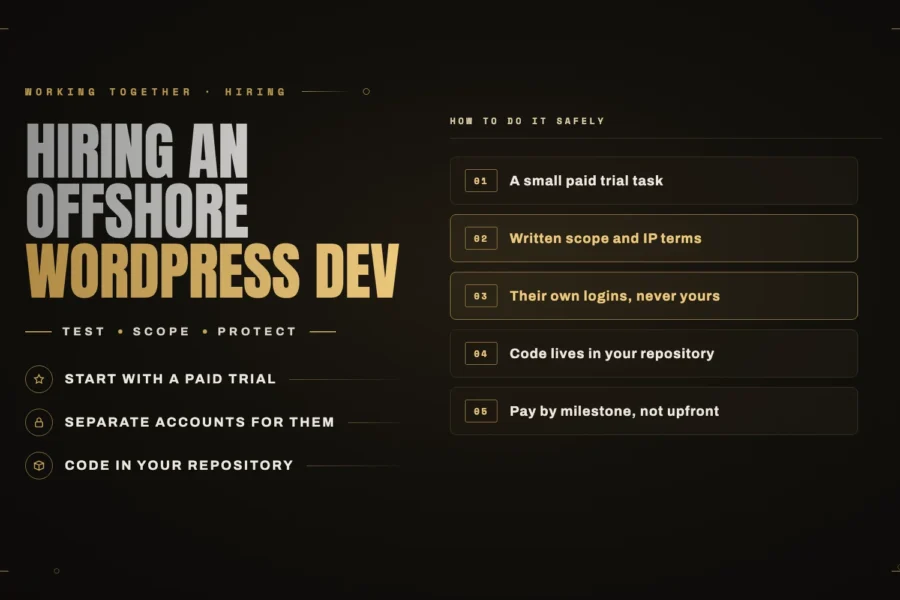
My own maintenance work is billed hourly from $25, or as a $2,500 monthly retainer for sites that need regular development, and every update is tested before it goes live. I work from Lahore with clients in the US and elsewhere, and I explain how to hire offshore safely if that is new to you.
The cheapest maintenance plan is the one you never have to call an emergency developer about.
Do you need a plan at all?
Not always. A simple brochure site with a handful of well maintained plugins, on good managed hosting with off-site backups, can be looked after by a confident owner with a monthly reminder.
You probably do want professional maintenance if:
- You run a store, take bookings or depend on form leads.
- Your site has custom code or a lot of plugins.
- Nobody on your team is comfortable fixing a broken update.
- A day of downtime would cost more than a year of maintenance.
WordPress maintenance plans: quick answers
How much does WordPress maintenance cost per month?
Automated plans are the cheapest. In the US market, plans with real testing and developer time commonly start around a hundred dollars a month and run into the hundreds, and busy stores pay more. Compare what is included, not only the price.
What is included in a WordPress maintenance plan?
At minimum: tested updates, off-site backups, security monitoring, uptime monitoring and a monthly report. Better plans add form and checkout testing, speed checks and developer time.
How often should WordPress be maintained?
Check for updates weekly, and apply security releases as soon as they come out. Run the fuller checks monthly, and test a backup restore each quarter. Sites that sell online need closer attention.
Can I maintain my WordPress site myself?
Yes, if the site is simple and you are comfortable fixing a broken update. Use the checklist above. It is the fixing that catches people out, so have a tested backup and know who you would call.
What happens if I skip maintenance?
Outdated plugins are a common way into a site, and attackers move quickly once a flaw is public. I wrote about what to do if your site gets hacked, but it is much cheaper to avoid it.
Is a WordPress care plan the same as a maintenance plan?
Yes, in practice. “Care plan”, “support plan” and “maintenance plan” are used for the same thing, so read what each one includes instead of relying on the name.
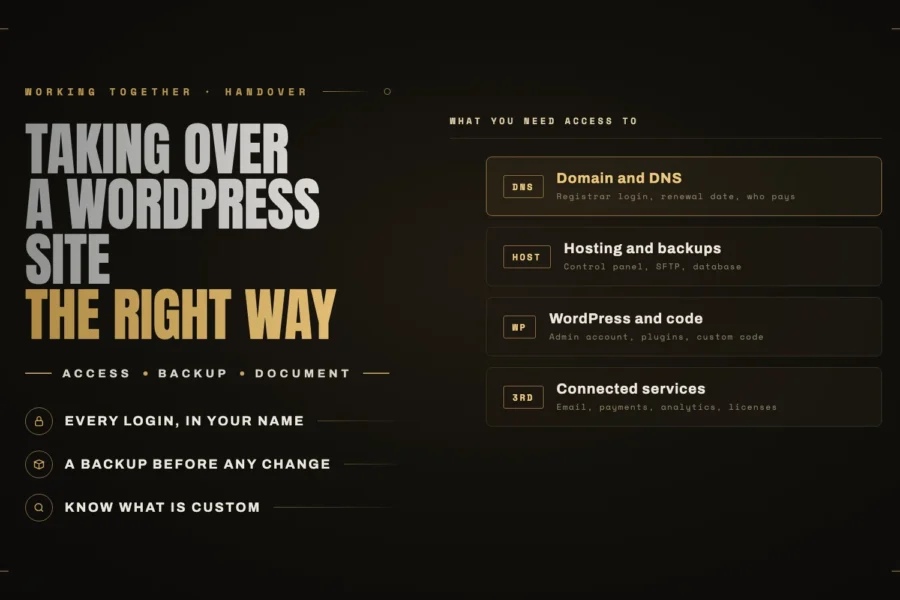
If you are taking over a site from someone else, start with my handover checklist.
Let me look after it
If you would like your WordPress or WooCommerce site maintained properly, with tested updates, real backups and a person who answers, see WordPress maintenance and care or get in touch. I am happy to start with a one-time health check so you can see what state the site is in first.