Most small business websites lose visitors in one of two ways. Someone has a quick question, like “How much does a website cost?” or “Do you build online stores?”, cannot find the answer and leaves. Or they send a contact form that says “Hi, I need a website”, and it takes a week of emails to find out what they actually need.
I built iChatAssist to fix both. It went live in the WordPress.org plugin directory this week, version 1.0.1, and it is free.
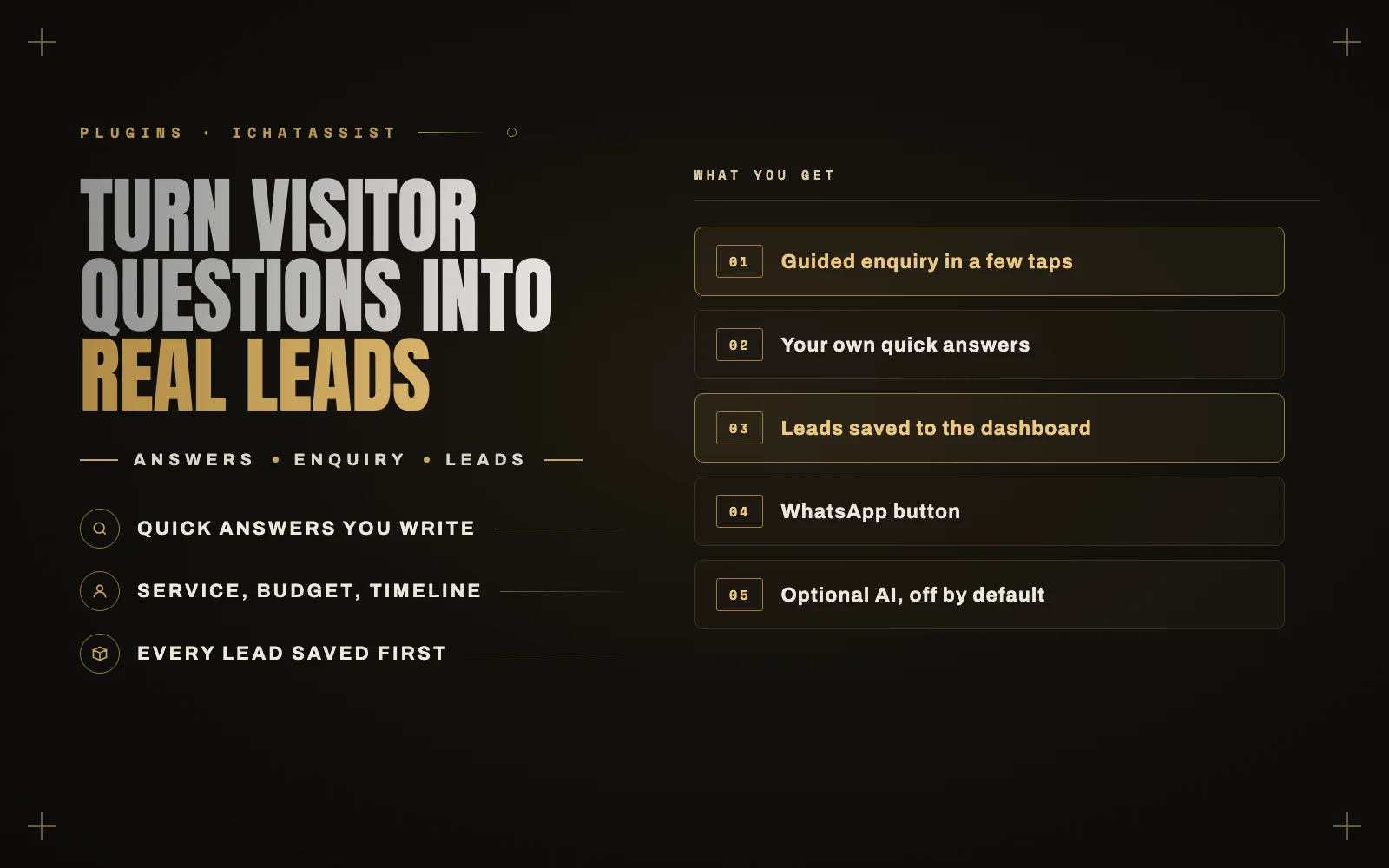
It puts a chat on your site that does the asking for you. It answers common questions from facts you write, walks the visitor through a short enquiry and saves every lead in your dashboard. It works fully without AI, and AI answers are there if you want them.
The screenshots in this post come from a sample business, “Brightline Studio”. Every name and detail in them is demo data.
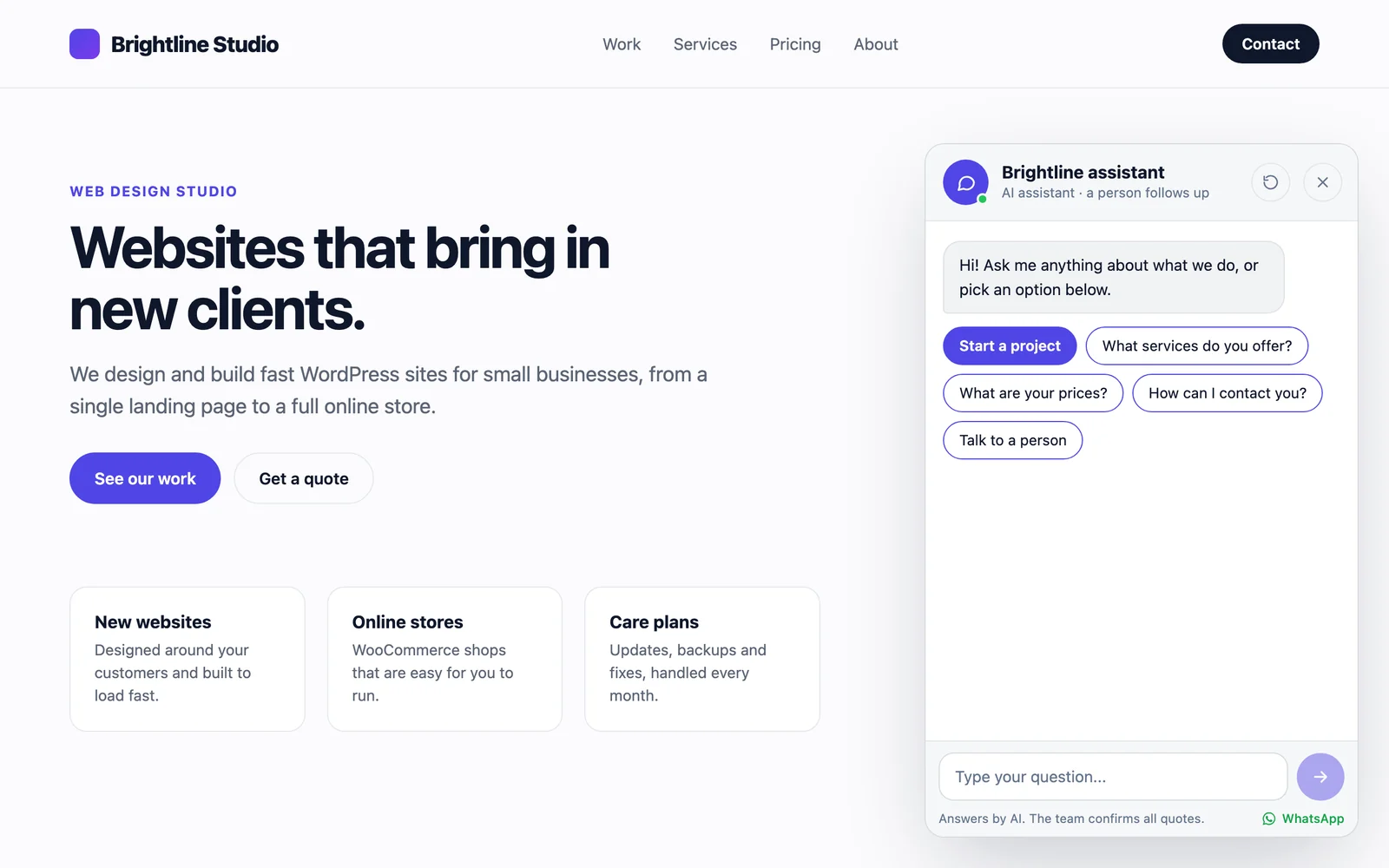
A guided enquiry instead of a blank form
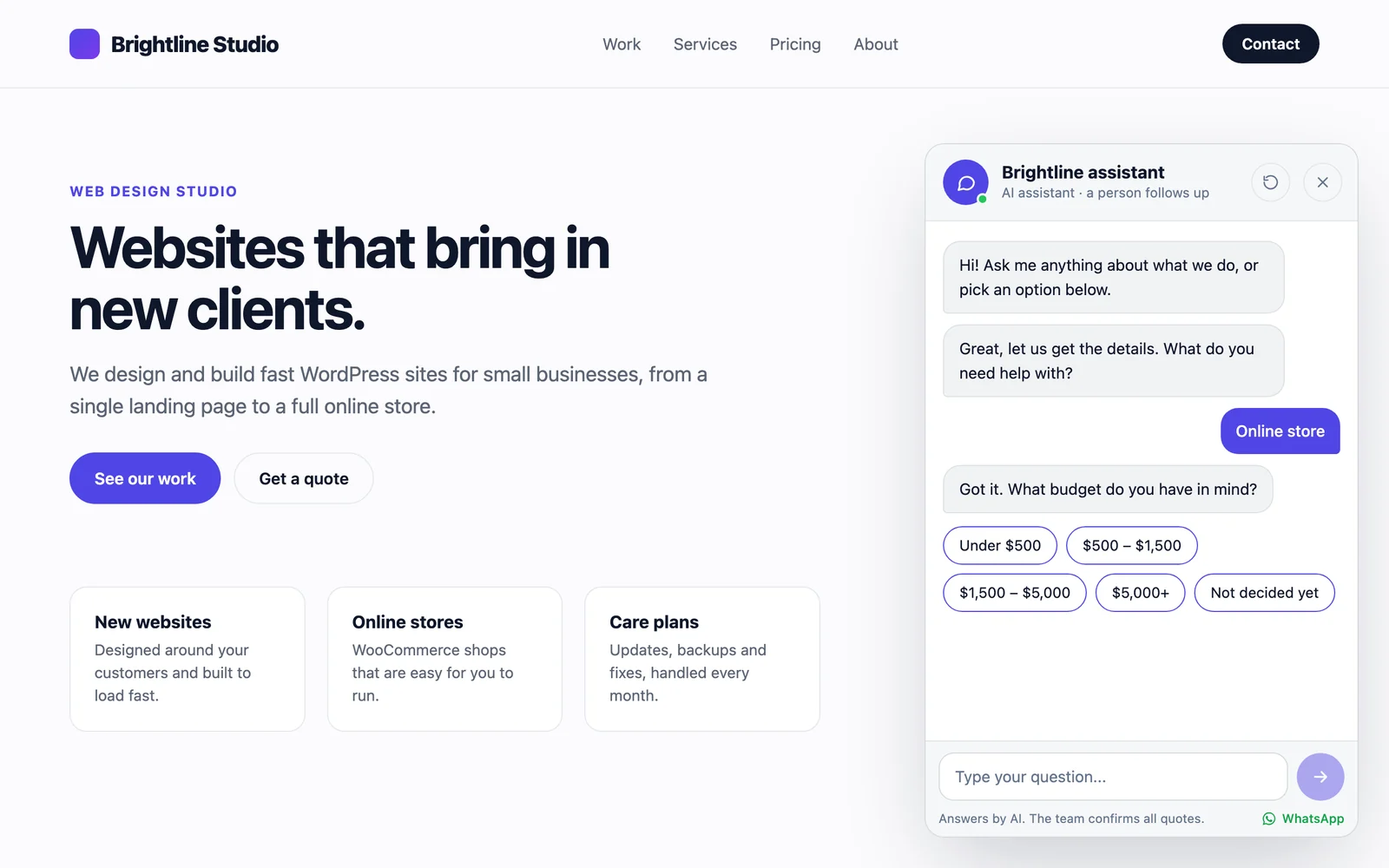
A contact form with empty fields asks the visitor to do the work. A good salesperson asks one question at a time, and that is what the guided enquiry does:
- “What do you need help with?” The visitor taps a service.
- “What budget do you have in mind?” They tap a range.
- “When would you like to start?” They tap a timeline.
- A sentence or two about the project.
- Their name and email address.
By the time the enquiry reaches you, you already know whether it is a fit, so your first reply can be a real answer instead of a list of questions.
You write your own services, budgets and timelines in the settings, so it works for a web studio, a clinic, a cleaner or a photographer. Leave a list empty and that step is skipped.
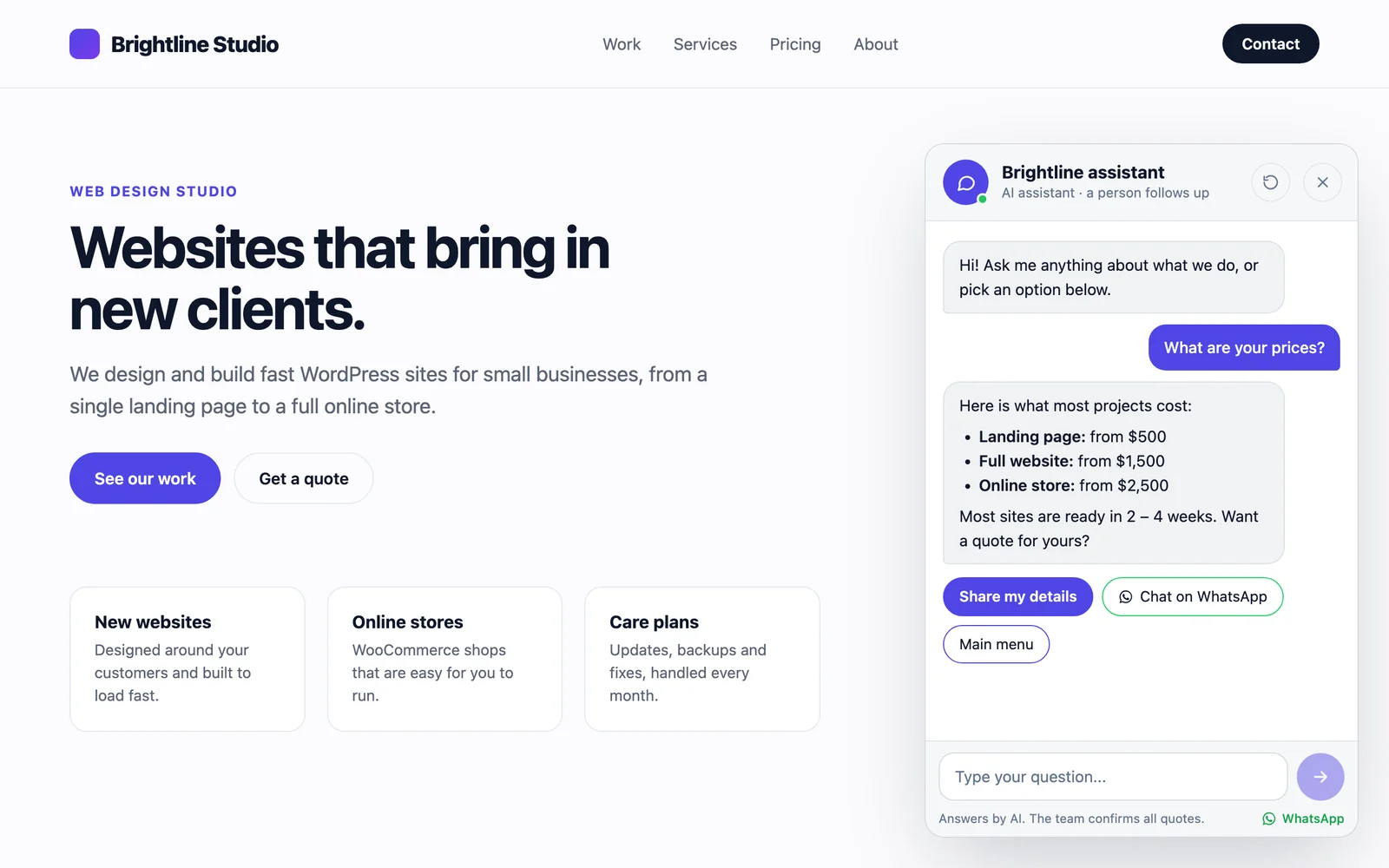
Quick answers you write yourself
Most visitor questions are the same ten questions. iChatAssist lets you answer them once, in plain text: a few keywords, a | and the answer. For example, “hours, open | We are open Monday to Friday, 9 to 5.” When a visitor types a question with those words, the answer comes back instantly.
There is also a pricing box. If a visitor asks about prices, the chat shows what you wrote there. Leave it empty and it offers a quote instead.
Leads are saved before any email is sent
This is the part I care about most.
Most WordPress contact forms send an email and keep nothing. If that email lands in spam, or the site’s mail setup breaks after an update, the enquiry is gone and you never know it existed. I wrote about how often that happens in why your WordPress contact form is not sending email.
iChatAssist saves every enquiry under iChatAssist, Leads first, with the full chat conversation, the service, the budget and the timeline. Only then does it send you the notification email, and the Leads screen shows whether that email was delivered. You can also send the visitor a copy of their enquiry.
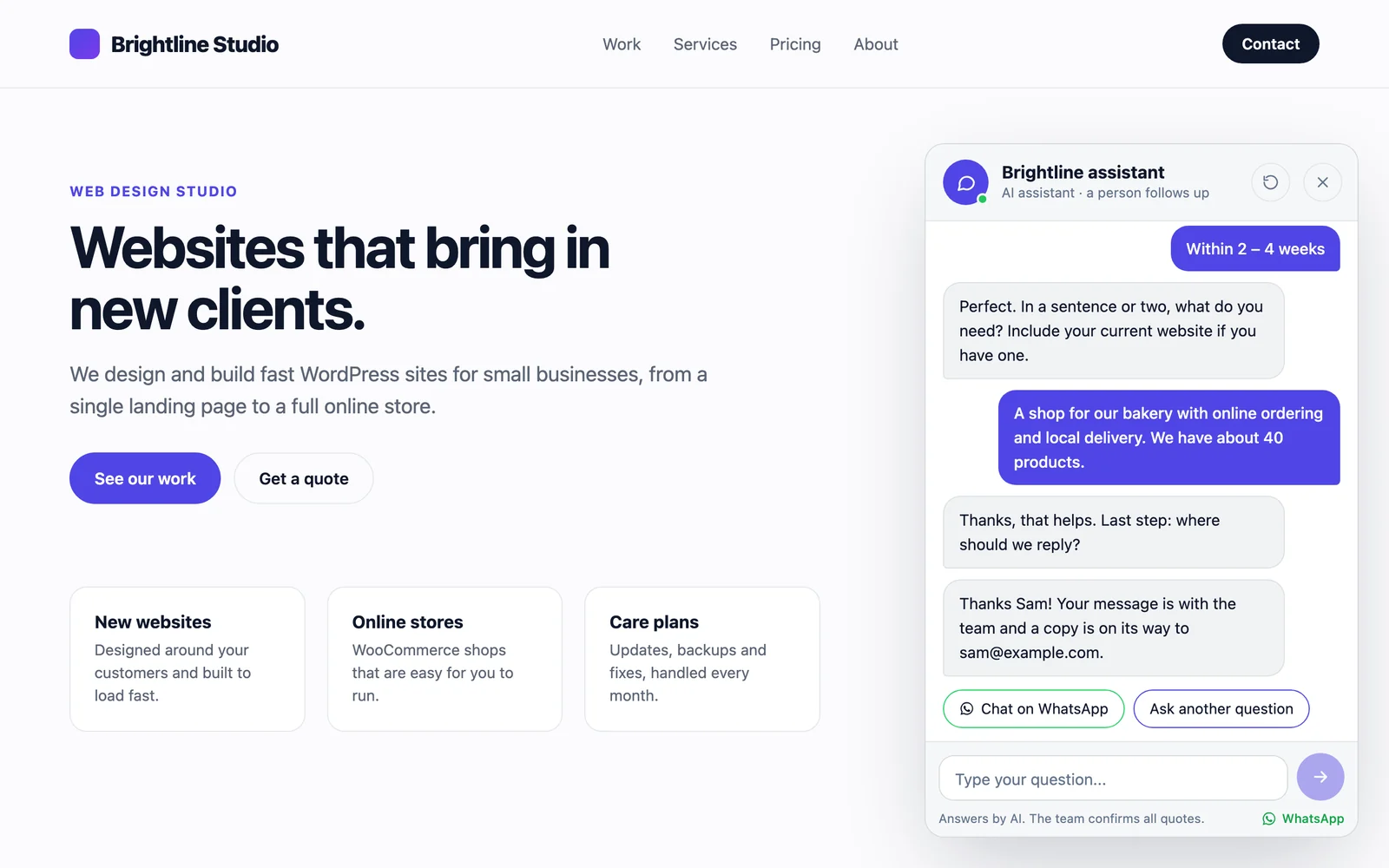
If you add a WhatsApp number, visitors also get a button to continue the conversation on WhatsApp with a prefilled message.
Optional AI answers, with no API key in the plugin
WordPress 7.0 ships with an AI Client. The site owner connects an AI provider once, in Settings, Connectors, and any plugin can use it. iChatAssist is built on it, which means:
- You choose the provider in WordPress, for example Anthropic, Google or OpenAI, and can change it any time.
- The plugin never asks for, sees or stores your API key.
- Answers only use what you give it: what you write about your business, your pricing, your quick answers and, if you allow it, the title, link and opening text of your published pages.
- If the AI is unavailable, your quick answers take over.
To keep costs low, replies are short (400 tokens at most), only the last 12 messages are sent, and each visitor can send 40 messages an hour. Developers can change those limits with filters.
Why AI is off by default
The first version I sent to the WordPress.org review team had AI answers on by default. The reviewers sent it back, and they were right.
My reasoning had been that AI only runs if a provider is connected. But a site might connect a provider for another plugin, and then the chat would start sending visitor conversations to it without the owner ever choosing that. Connecting a provider is not the same as agreeing to send chats to it.
So in version 1.0.1:
- AI answers are off until you tick the box in iChatAssist, Settings.
- The settings page says exactly what is sent to the provider.
- Contact details from the lead form are never sent to the AI.
- The guided enquiry and quick answers work fully without AI.
It was the most useful feedback I got on this plugin.
Fits your site, and stays private
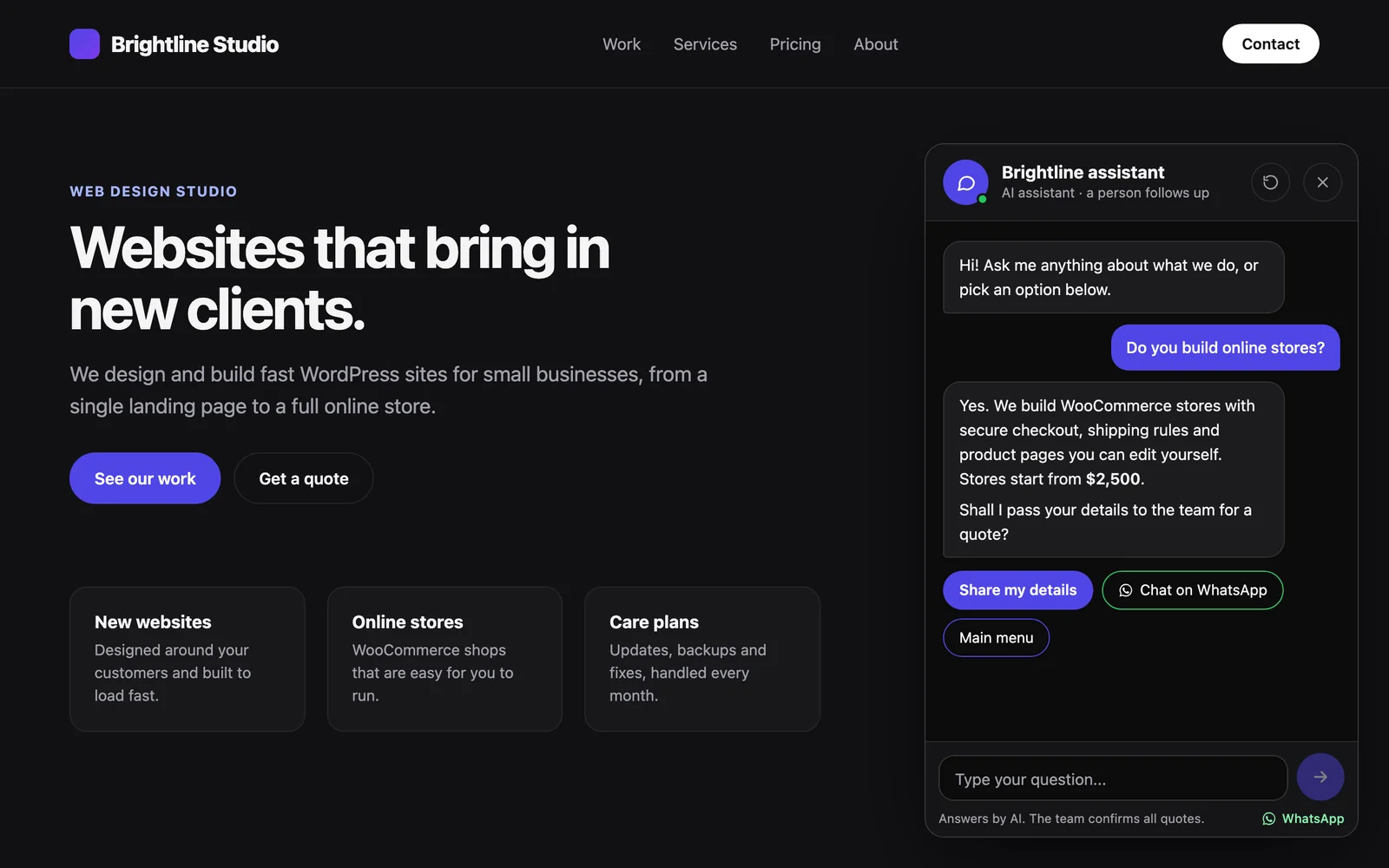
- Light or dark style, your accent color, your avatar or site icon, and bottom left or right.
- Full screen on phones, keyboard accessible, and it respects reduced motion.
- Any link to #chat opens the chat, so a “Chat with us” item in your menu takes seconds.
- It works with page caching, because the chat loads the same for every visitor and talks to the site through the REST API.
- No tracking and no third-party scripts. Visitor IP addresses are never stored. A short hash is kept for up to an hour to limit abuse.
- Leads work with the WordPress tools for exporting and erasing personal data.
How to set it up
- In your dashboard, go to Plugins, Add New Plugin, search for iChatAssist, click Install Now, then Activate.
- Open iChatAssist, Settings. Describe your business, add your pricing and quick answers, and set the services, budgets and timelines for the guided enquiry.
- Check the notification email, and add a WhatsApp number if you want the button.
- Optional: connect an AI provider in Settings, Connectors, then tick “AI answers” in iChatAssist, Settings.
It needs WordPress 7.0 or later, because AI answers use the AI Client that arrived in 7.0, and PHP 7.4 or later.
Try it
Get iChatAssist on WordPress.org, and if something does not work the way you expect, tell me in the support forum. Every screenshot and the full FAQ are on the plugin page.
If your business needs more than the free plugin, like leads sent to your CRM, product answers from WooCommerce or a booking step inside the chat, that is the kind of custom WordPress plugin I build. Tell me what you need.