A WordPress care plan is a monthly service where someone looks after your website for you. They keep WordPress, the plugins and the theme updated, back the site up, watch it for problems and fix things when they break. You pay a monthly fee instead of calling a developer every time something goes wrong.
That is the idea. In practice, two plans with the same name can be completely different products. One is a developer who knows your site and tests every update. The other is a piece of software that clicks “update all” at 3 am and sends you a report.
This post explains what a care plan should include, how it differs from hosting, who actually needs one and how to tell the two kinds apart.
Care plan, maintenance plan, support plan: is there a difference?
Not really. “Care plan”, “maintenance plan” and “support plan” are used for the same kind of service. Some providers use “care plan” for their friendlier, all-in-one packages and “support” for help when something breaks, but there is no standard.
So ignore the name and read the list of what is included. My guide to WordPress maintenance plans has a full monthly checklist you can compare any plan against.
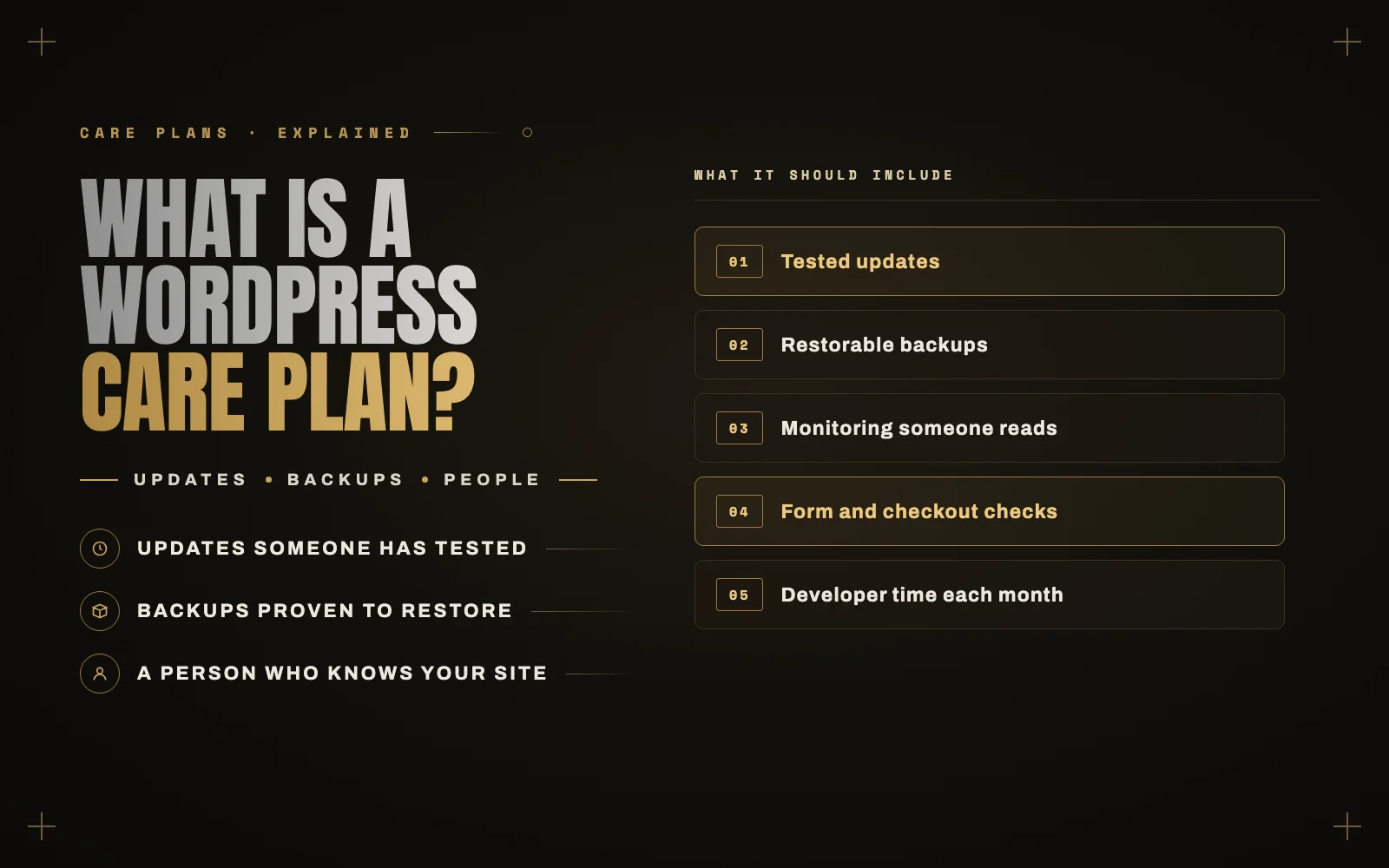
What a good WordPress care plan includes
Updates someone has tested
WordPress, plugins and themes all need updating, often weekly. A good care plan tries each update on a staging copy of your site first, checks the important pages and forms still work, and only then updates the live site.
If updates simply run automatically, you are paying for something WordPress can already do for free. The value is in the testing, and in someone fixing it when an update does break something. I see that often enough that I wrote a guide for when a WordPress update breaks your site.
Backups that are proven to work
Daily backups, stored somewhere other than your server, kept for at least a few weeks. And at least now and then, someone should restore one to a test site to prove it works. A backup nobody has ever restored is a guess.
Monitoring, and someone reading the alerts
Uptime monitoring tells you when the site is down. Better plans also watch for fatal errors, malware and unexpected file changes. I built iDownAlert for exactly this, and it is free. But an alert only helps if a person reads it and acts on it, which is the part you are paying for.
Security basics
A firewall, protection against password guessing, two-factor login for admins, removal of old accounts and plugins, and quick action when a serious flaw is announced.
Checks that the site still does its job
The most expensive problems are often invisible. The contact form stops sending, the checkout fails for one payment method, or Google stops showing a page. A good care plan tests forms and key journeys on a schedule. On my own site, a test showed that messages sent to my business address were not reaching my other inbox, so leads now go to both directly. Small things like that are what a care plan should catch.
Developer time for small changes
Many plans include a small amount of time each month for updates to content, small layout fixes or a new form. It saves you asking for a quote every time.
A monthly report in plain English
What was updated, what was found, what was fixed and anything that needs your decision. If you never hear from your provider, you cannot tell whether anything is being done.
A care plan is not the same as hosting
Managed WordPress hosting often includes backups, server security and automatic core updates. That is useful, and it is part of the picture. But hosts look after the server, not your site.
Your host will not usually test your plugin updates, check that your forms work, fix a layout that broke on mobile or tell you which plugin caused an error. Knowing which problems belong to your site and which belong to the server, and pushing the host when it is theirs, is part of looking after a site.
Good hosting plus a care plan is a sensible combination. One does not replace the other.
Two kinds of care plan
Most plans fall into one of two groups:
- Software plans. Updates, backups and uptime checks run by a tool, with a dashboard and an automated report. They are cheap and can suit a simple site that the owner watches closely. Check what happens when an automatic update breaks something. Often the fix costs extra.
- Plans with a person. A developer tests updates, reviews alerts, checks forms and fixes problems, and you can talk to them directly. These cost more, and they are the right fit for most businesses that get leads or sales from their site.
A quick test: ask the provider what they did the last time an update broke a client’s site. A plan with a person will have a specific answer.
Who needs a WordPress care plan?
You probably need one if:
- Your site brings in leads, bookings or sales.
- It has custom code, a page builder or a lot of plugins.
- Nobody on your team is comfortable fixing a broken update or restoring a backup.
- A few days of downtime would cost more than a year of care.
You may not need one if your site is small, rarely changes, sits on good managed hosting with off-site backups, and you are happy to follow a monthly checklist yourself.
If you run a store, you need a plan that understands orders and payments. I cover that in WooCommerce maintenance plans.
What does a WordPress care plan cost?
It depends mostly on how much real work is included. Software plans are the cheapest. Plans where a developer tests updates and includes time for changes cost more, and plans for busy stores with fast response times cost the most.
Compare plans by what they include, not by price alone. A cheap plan that bills every fix separately can cost more over a year than a plan that includes the fixes.
My own work is billed hourly from $25, for sites that need occasional care, or as a $2,500 monthly retainer for businesses that need regular development, maintenance and support. I can also start with a one-time audit of the site, the hosting, the plugins and the backups, quoted upfront.
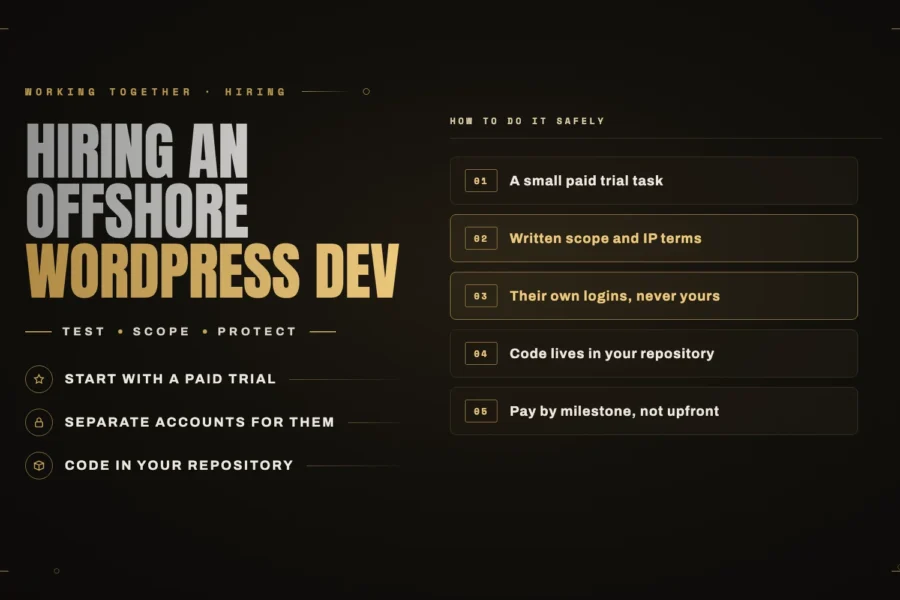
I work from Lahore with clients in the US and elsewhere. If you are in the UK, my afternoon is your morning, so most questions can be answered the same working day. If hiring someone abroad is new to you, I wrote about how to hire an offshore WordPress developer safely.
Questions to ask before you choose a care plan
- Are updates tested before they reach the live site? Who tests them?
- Where are backups stored, how long are they kept, and when was one last restored?
- If an update breaks something, is the fix included?
- If the site is hacked, is the cleanup included?
- Will I be able to talk to the person who works on my site?
- How quickly do you respond, and does that include weekends?
- What happens to my backups and logins if I cancel?
WordPress care plans: quick answers
What is a WordPress care plan?
A monthly service where someone keeps your WordPress site updated, backed up, secure and working, and fixes it when something breaks.
What is included in a WordPress care plan?
Tested updates, off-site backups, security, uptime monitoring and a monthly report. Better plans add form and checkout testing, speed checks and a small amount of developer time each month.
Is a care plan worth it for a small business?
If your site brings in leads or sales, usually yes. One emergency repair or a few days of downtime can cost more than a year of care. A simple site that rarely changes can often be looked after by its owner.
Does my hosting company already do this?
Partly. Managed hosts often handle server security, backups and WordPress core updates. They rarely test your plugin updates, check your forms or fix problems inside your site.
Can I cancel a care plan?
You should be able to. Before you sign, check that you will keep your backups, your admin logins and access to everything installed on your site if you leave.
Have me look after your site
If you would like a developer who knows your site to keep it updated, backed up and working, see WordPress maintenance and care or tell me about your site. I am happy to start with an audit, so you can see what your site needs before you commit to anything.