“Why is my WordPress site not showing up on Google?” is one of the most common WordPress questions people type into Google. It is also one of the most fixable. In most cases the site is not being punished. Google simply has not been told it is allowed in, or has not been told it exists.
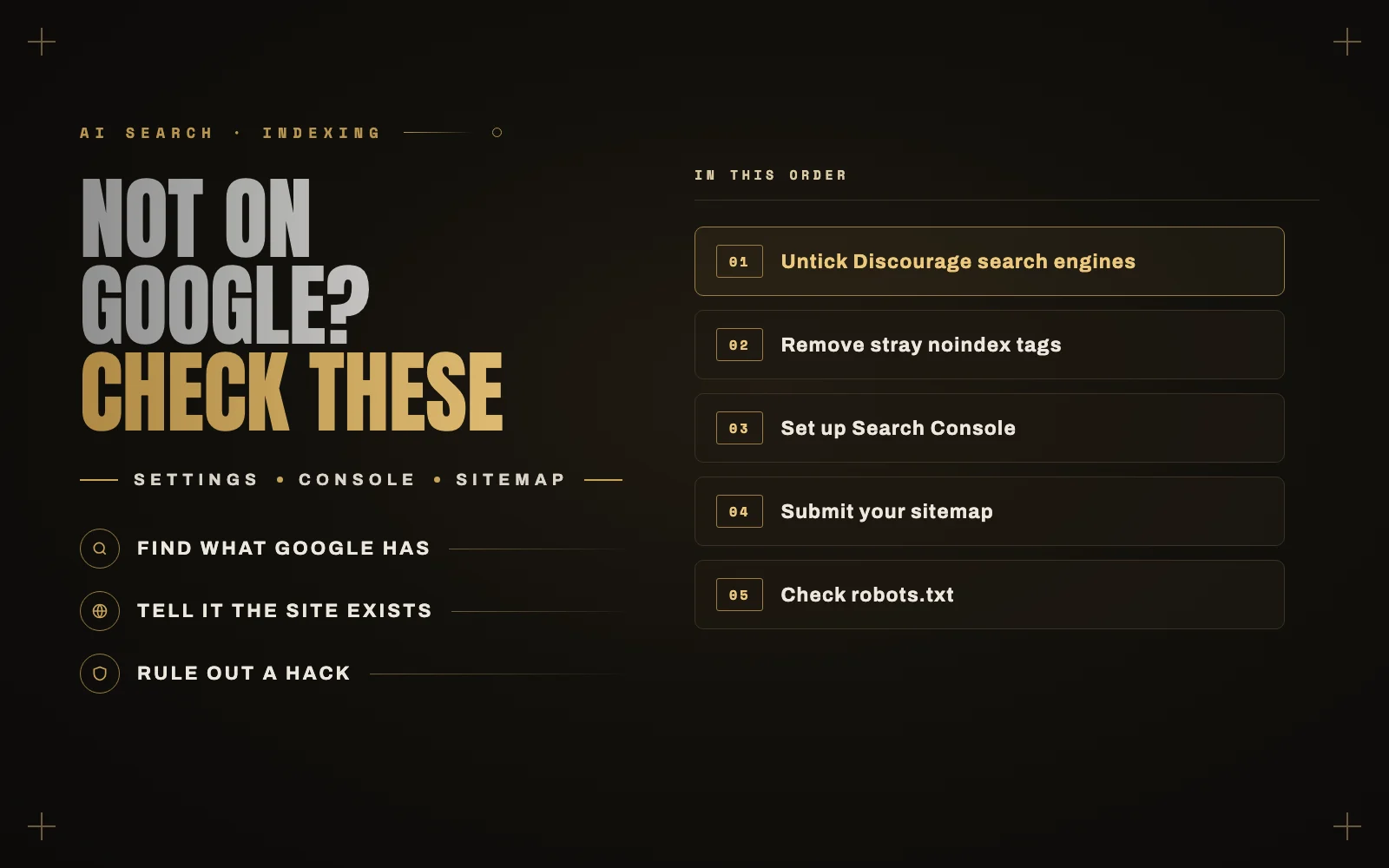
Here are the seven checks I run, in the order I run them. The first one alone fixes a surprising number of sites.
First, find out what Google actually has
Search Google for site:yourdomain.com, using your own domain.
- No results at all means Google has not indexed the site. Start at check 1.
- Some pages, but not the ones you want means Google can reach the site but is skipping certain pages. Jump to checks 2, 6 and 7.
- Plenty of results, but you never see them for your keywords is not an indexing problem. It is a ranking problem, which is a different job. I cover that at the end.
1. The “Discourage search engines” box
Go to Settings, Reading and look at Search engine visibility. If “Discourage search engines from indexing this site” is ticked, untick it and save.
Developers tick this box while a site is being built so half-finished pages do not end up in Google. Then the site launches and nobody unticks it. I find it left on after launches more often than you would think, including on sites built by agencies.
2. A stray noindex from your SEO plugin
SEO plugins like Yoast, Rank Math and AIOSEO can tell Google to skip individual pages, whole post types or categories. One wrong setting can hide every page on the site.
Open a page that is missing, right-click, choose View Page Source, and search for noindex. If you find <meta name="robots" content="noindex...">, the page is asking Google to leave it out. Fix it in the page’s SEO settings, or in the plugin’s global settings for that content type.
3. Google Search Console
If you have not set up Google Search Console, do it now. It is free and it is the only place Google tells you directly what it thinks of your site.
- Add your site as a Domain property and verify it through your DNS. Most hosts and Site Kit by Google can walk you through this.
- Paste your homepage into the URL Inspection bar at the top.
- If it says the URL is not on Google, read the reason, then click Request Indexing.
The Pages report is the other one to look at. It lists every page Google knows about and why each one was or was not indexed.
4. Submit your sitemap
WordPress makes a sitemap automatically at yourdomain.com/wp-sitemap.xml. If you use an SEO plugin, it usually replaces that with its own, often at /sitemap.xml or /sitemap_index.xml. Open it in your browser to make sure it loads, then submit it under Sitemaps in Search Console.
A sitemap does not force Google to index anything. It tells Google which pages exist, which matters most for new sites with few links pointing at them.
5. robots.txt
Visit yourdomain.com/robots.txt. If you see Disallow: / under User-agent: *, you are blocking every search engine from the whole site. Staging setups and some security plugins add this. A normal WordPress robots.txt blocks /wp-admin/ and little else.
6. Give it time, and give it a reason
A brand new domain can take anywhere from a few days to a few weeks to show up, even when everything is set up correctly. Google also has to decide a page is worth keeping. Pages it is likely to skip:
- Thin pages with a couple of lines of text.
- Near-duplicate pages, like dozens of service-area pages that only swap the city name.
- Tag and archive pages with one post each.
The fix is fewer, better pages, and a few links from places Google already trusts: your Google Business Profile, directories in your industry, partners and clients.
7. Check for a security problem or manual action
In Search Console, look under Security & Manual actions. If your site was hacked and is serving spam to Google, it can drop out fast while looking normal to you. Hacked sites often show visitors the real site and show Google something else. If you see a warning there, read what to do in the first hour after a hack.
Indexed but invisible?
If site: shows your pages but you never appear for the searches that matter, you are dealing with rankings, not indexing. That comes down to whether your pages answer the question better than what is already there, how fast they load, and whether other sites point to you. Two things worth reading:
- If your traffic dropped while your rankings held, the cause may be AI Overviews answering the question for you.
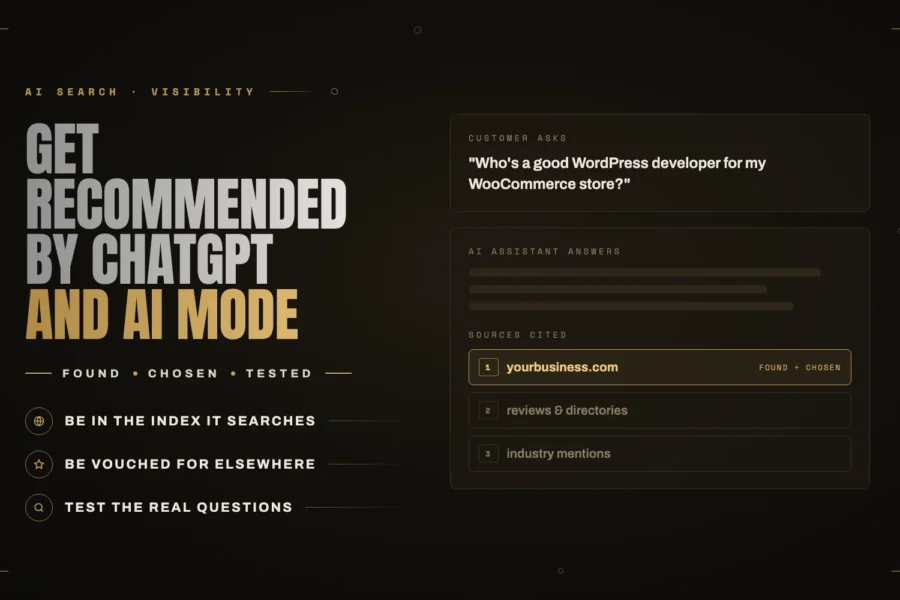
- Being found now also means being found by assistants. I explain how in getting recommended by ChatGPT, Gemini and Google AI Mode.
The short version
- Untick “Discourage search engines” in Settings, Reading.
- Make sure no page has a noindex it should not have.
- Set up Search Console and inspect your homepage.
- Submit your sitemap.
- Check robots.txt is not blocking everything.
- Be patient with new domains, and cut thin pages.
- Rule out a hack or manual action.
If you have worked through the list and your site is still missing, or you would rather someone just looked at it, send me the URL. Finding why a site is invisible usually takes me an hour, and you can see the rest of what I do here.