The messages usually sound the same. “My site is redirecting to a spam page.” “Google says my site is dangerous.” “I cleaned it last week and it is back.”
That last one is the most common, and it is the most important to understand. Most hacked sites that get “cleaned” and then reinfected were never really cleaned. The visible damage was removed, but the way the attacker got in, and the backdoor they left behind, were still there.
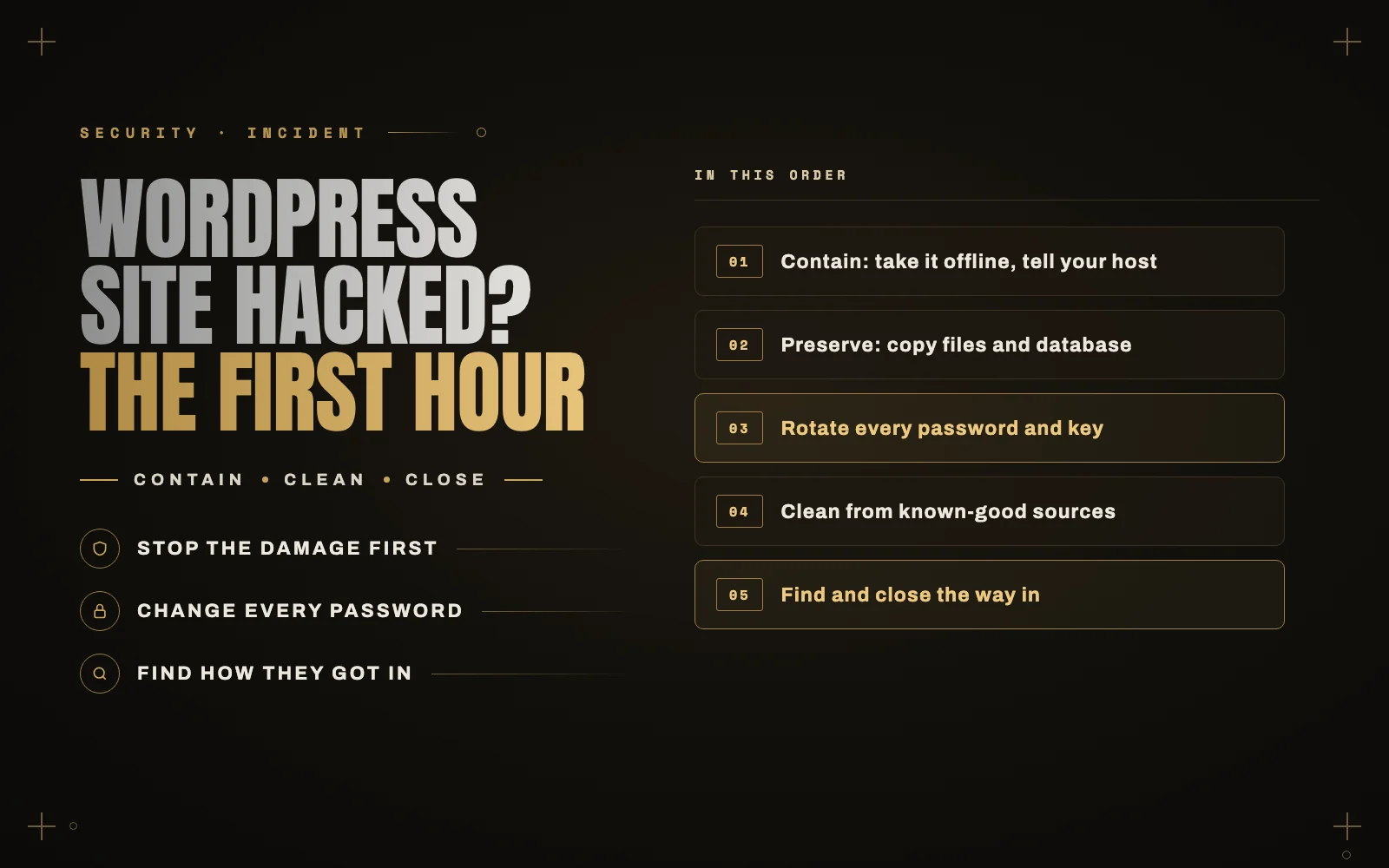
Here is what to do, in order. The order matters.
In the first hour
1. Contain it
Stop the damage from spreading while you work.
- Put the site into maintenance mode or ask your host to take it offline temporarily, especially if it is redirecting visitors or serving malware.
- Tell your host. Many hosts have a security team, can scan the account and can tell you if other sites on the same account are affected.
- Pause paid ads pointing to the site, so you are not paying to send customers to a hacked page.
2. Preserve a copy before you change anything
Download a full copy of the files and the database as they are now, hacked state included. It feels backwards, but this copy shows what was changed and when, which is how you find the way in. It also protects you if the cleanup goes wrong.
Keep it somewhere safe, and do not restore from it.
3. Change every password and key
Assume every credential connected to the site is known to the attacker:
- Hosting control panel, SFTP and SSH passwords.
- The database password, updated in wp-config.php too.
- Every WordPress administrator password.
- The security keys and salts in wp-config.php. Changing them logs everyone out, including any attacker still logged in.
- Email accounts on the same domain, if they share the hosting.
While you are in WordPress, look at Users and check every administrator account. Attackers often add one with a harmless-looking name. Remove any you do not recognize.
The cleanup
4. Clean from known-good sources
Do not try to find and edit every infected file by hand. Replace what you can with fresh copies:
- WordPress core: replace the wp-admin and wp-includes folders with a fresh download of the same version.
- Plugins and themes: delete them and reinstall fresh copies from WordPress.org or the developer. Remove anything you do not use.
- Custom code: compare it against your own copy in version control, if you have one.
Then look in the places that cannot simply be replaced, which is where backdoors hide:
- wp-content/uploads. Images do not need PHP files. Any PHP file in the uploads folder is suspicious.
- wp-content/mu-plugins. These “must use” plugins load automatically and do not appear in the normal plugin list.
- wp-config.php and .htaccess, for injected code or redirects.
- The database, for injected scripts in posts and options, and for scheduled tasks you did not create.
- Server cron jobs in the hosting panel, which can quietly re-download malware every few minutes.
A reputable security plugin or your host’s malware scanner helps find what you missed. Treat it as a second check, not the whole cleanup.
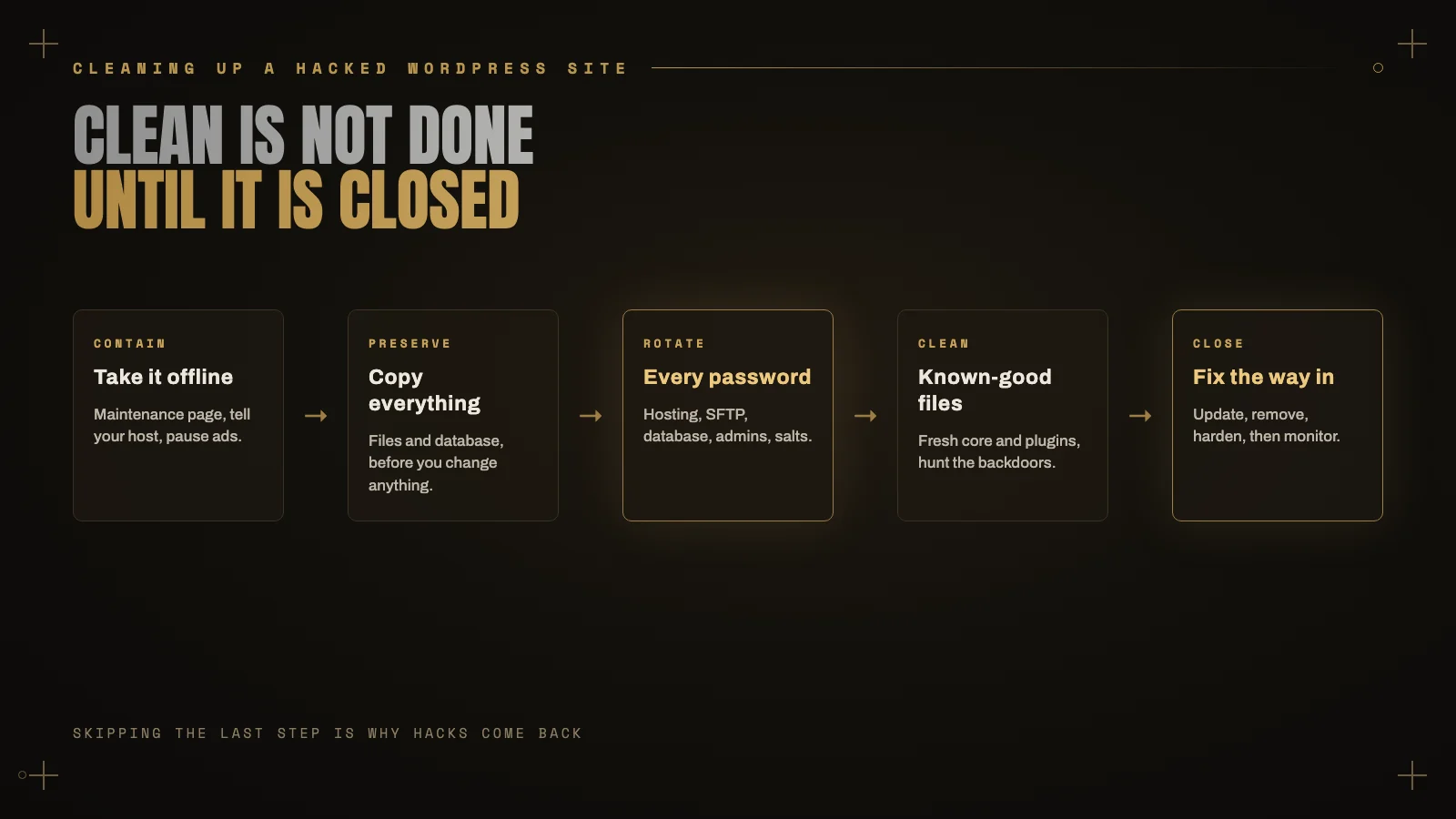
5. Find and close the way in
This is the step most cleanups skip, and it is why hacks come back.
Look at what was out of date when the hack happened. The most common causes I find are:
- An outdated plugin or theme with a known vulnerability, often one that was no longer used but still installed.
- A weak or reused administrator password, with no two-factor authentication.
- Nulled or pirated plugins and themes, which often ship with a backdoor already inside.
- Another site on the same hosting account that was hacked first.
Fix the cause, then harden the site: update everything, remove unused plugins and themes, turn on two-factor authentication for administrators, and add a firewall.
After it is clean
- If Google flagged the site, check the Security Issues report in Google Search Console, and request a review once the site is clean.
- Check your email deliverability. Hacked sites are sometimes used to send spam, which can get your domain blocklisted.
- Watch it closely for a few weeks. File change monitoring and regular scans will tell you quickly if anything comes back.
- Set up proper maintenance, with tested updates and off-site backups, so the next problem is caught early. I explain what that should include in what a WordPress maintenance plan should include.
A hacked site is not clean when the spam is gone. It is clean when the way in is closed.
When to call a professional
You can follow the steps above yourself if you are comfortable with hosting panels, SFTP and the database. Get help if the site is a store or takes customer data, if it has been reinfected after a cleanup, or if you simply need it fixed today.
I clean and harden hacked WordPress and WooCommerce sites, including finding how the attacker got in so it does not happen again. See hacked WordPress repair or contact me and tell me what you are seeing.