Core Web Vitals on WordPress: what I fixed on my own site, and what actually moved
I sell speed work, so I tested my own site the way a client would. Here is exactly what was slowing it down on mobile, the three fixes I made, and the before and after numbers.
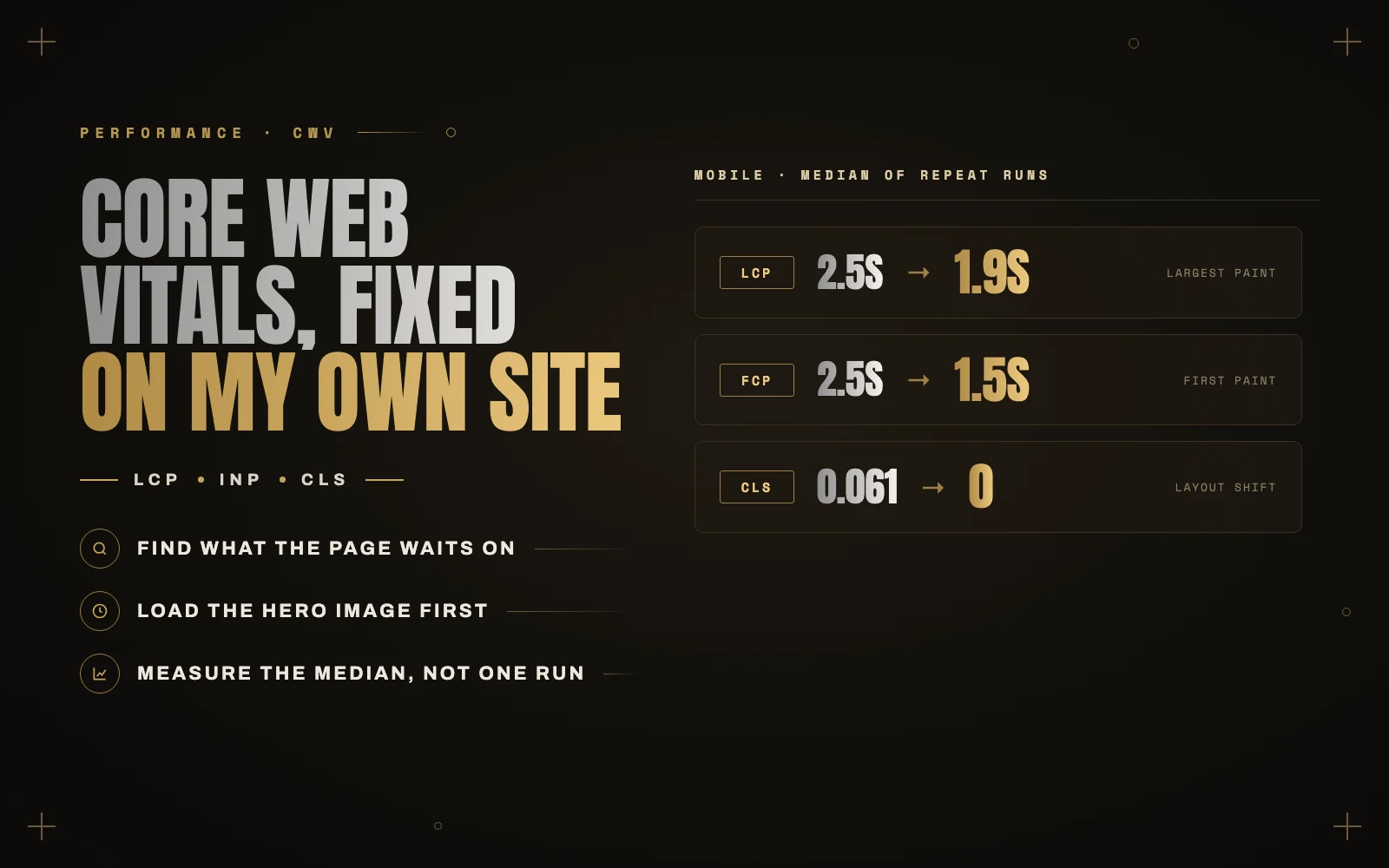
Speed is a big part of what I sell, so last week I did something slightly uncomfortable: I tested my own site the way a client would, on mobile, and wrote down the numbers before touching anything.
The site is a custom WordPress theme I built myself. It was not slow, but it was not as fast as it should be for someone who fixes other people’s speed problems. Here is what I found, what I changed, and what each change was worth.
First, a quick refresher on Core Web Vitals
Google’s Core Web Vitals are three measurements of how a page feels to a real visitor:
- LCP (Largest Contentful Paint): how long until the biggest thing on screen, usually a hero image or headline, appears. Good is 2.5 seconds or less.
- INP (Interaction to Next Paint): how quickly the page responds when someone taps or clicks. Good is 200 milliseconds or less.
- CLS (Cumulative Layout Shift): how much the page jumps around while it loads. Good is 0.1 or less.
Two kinds of data measure them. Lab data comes from a test like Lighthouse or PageSpeed Insights, run on demand. Field data comes from real Chrome users over the previous 28 days, and it is what Google actually uses. Lab tests are how you find problems. Field data is how you prove they are fixed.
Test more than once
My first single Lighthouse run on mobile scored 66. The next three runs scored 89, 62 and 88. Same page, same minute.
Lab tests from a normal internet connection swing a lot, so I never quote a single run. I ran the test several times and used the median. The real starting point was a mobile score of 88, with first paint and LCP both at about 2.5 seconds.
That detail mattered more than the score. When first paint and LCP are the same number, the problem usually is not the image itself. The browser is waiting on something before it can draw anything at all.
What the page was waiting on
Google Fonts, from Google’s servers
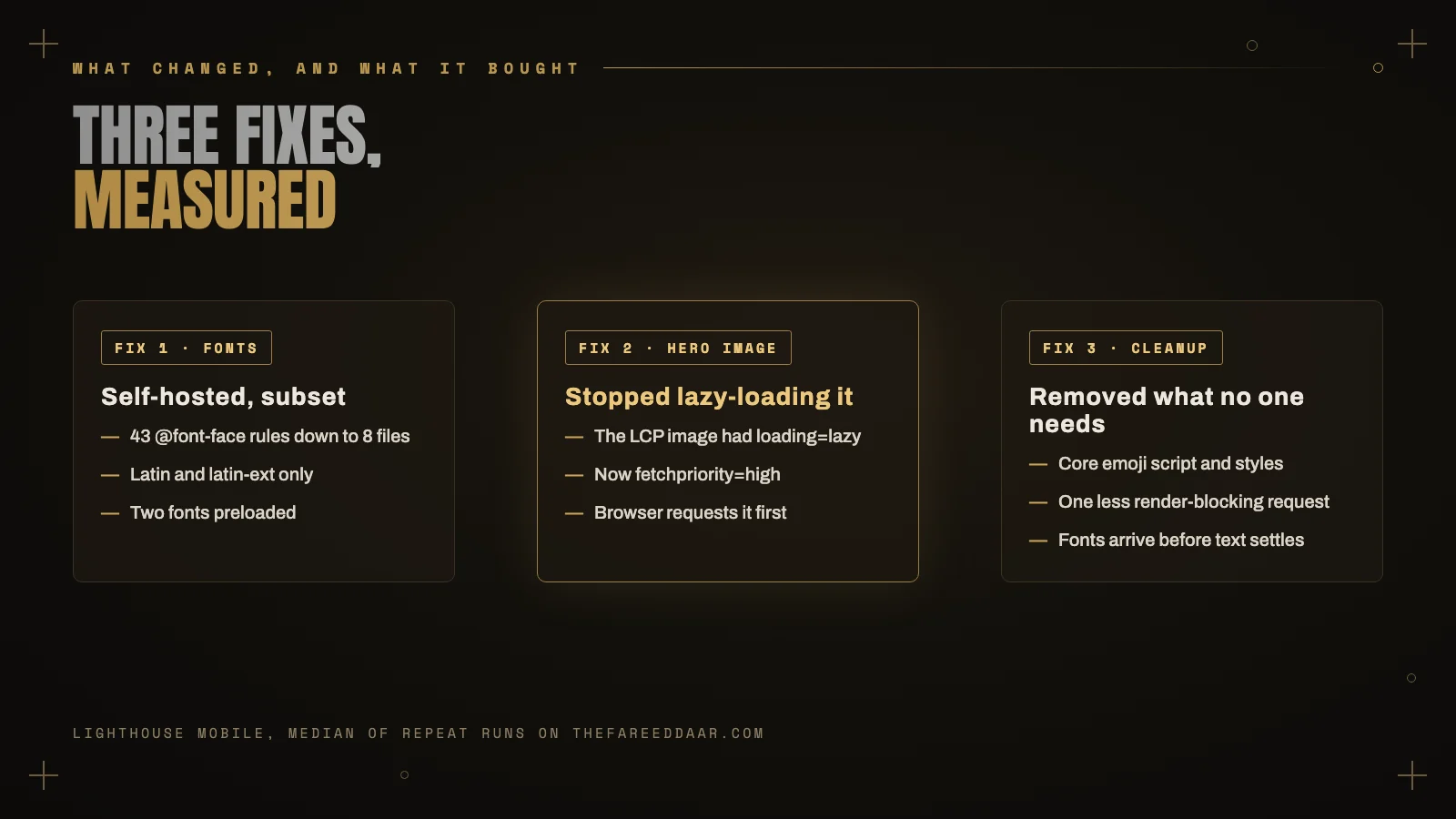
The theme loaded its three fonts (Syne, Inter and Space Mono) from Google Fonts. That stylesheet is render-blocking, and it lives on another domain, so the browser has to open a new connection before it can even read it.
Then it gets worse. The stylesheet contained 43 separate font definitions, covering Cyrillic, Greek and Vietnamese character sets my English site never uses.
The fix: I self-hosted the fonts. I kept only the latin and latin-ext character sets and used Google’s variable font files, where one file covers a whole range of weights. That took it from 43 font definitions to 8 small files on my own server. I preloaded the two fonts used above the fold and kept font-display: swap so text shows immediately.
The hero image was set to lazy-load
On phones, the largest element on screen was my portrait in the hero. The theme shows a separate copy of it only on small screens, and that copy had loading="lazy".
Lazy loading is great for images further down the page. On the LCP image it does the opposite of what you want: the browser has to finish laying out the page before it even decides to request the image.
The fix: I removed the lazy loading from that image and added fetchpriority="high", which tells the browser to request it before almost anything else.
Small things that add up
WordPress loads an emoji detection script and stylesheet on every page by default. Modern browsers display emoji perfectly well without it, so I removed both. It is a small win, but it is one less thing in the way of the first paint.
The results
Median of five mobile runs after the changes, against the median before:
- Lighthouse score: 88 to 91
- First paint: 2.5s to 1.5s
- LCP: 2.5s to 1.9s
- CLS: 0.061 to 0 in most runs
The CLS improvement was a nice surprise. With the fonts arriving earlier from my own server, text no longer reflows when the real font replaces the fallback.
What I have not fixed yet, on purpose
Two things still cost points, and both are business decisions rather than code problems.
An intro animation. The first time someone visits, a short loading animation covers the page for about two seconds. It looks good, but it delays when content becomes visible, which hurts the Speed Index metric.
Ads and tracking scripts. Advertising and analytics scripts add a few hundred kilobytes of third-party JavaScript. Some of that can be delayed, but it cannot be made free.
I see this on almost every client site. The last points of a speed score usually come from decisions someone made for marketing reasons. The job is to show the cost clearly so the owner can decide, not to quietly delete their tracking.
A slow site is rarely one big problem. It is usually five small things the browser has to wait for, in a row.
Check these on your own site
You can find most of what I found in about fifteen minutes:
- Run PageSpeed Insights on mobile at least three times and look at the middle result.
- Compare first paint and LCP. If they are nearly the same, look for render-blocking stylesheets and fonts.
- Find your LCP element. PageSpeed Insights names it. If it is an image, make sure it is not lazy-loaded.
- Check where your fonts come from. If you see fonts.googleapis.com, self-hosting is usually a quick win.
- Look at the third-party scripts and decide which ones earn their place.
If you run a WooCommerce store, checkout is often where speed costs the most money. I wrote about that separately in Why your WooCommerce checkout is slow, and the fixes that actually work.
Want me to look at yours?
I do Core Web Vitals audits and fixes for WordPress and WooCommerce sites, with before and after numbers like these. See my services, or send me your URL and I will tell you what is holding it back.
Keep reading
 Plugins
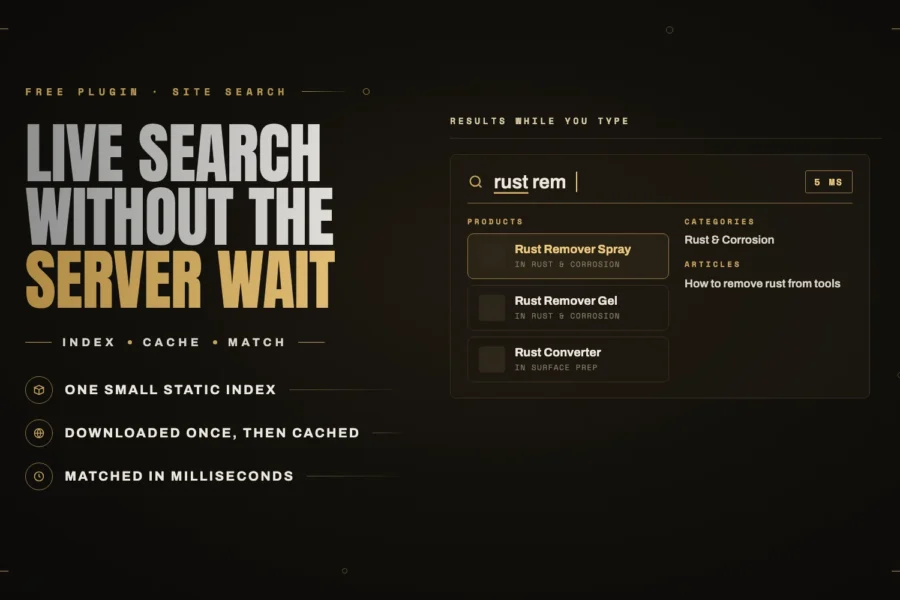
iMegaSearch: instant WordPress search that does not wait for the server
My new free plugin, iMegaSearch, replaces WordPress search with a full-screen overlay that shows grouped results as you type. The difference is… Read article ↗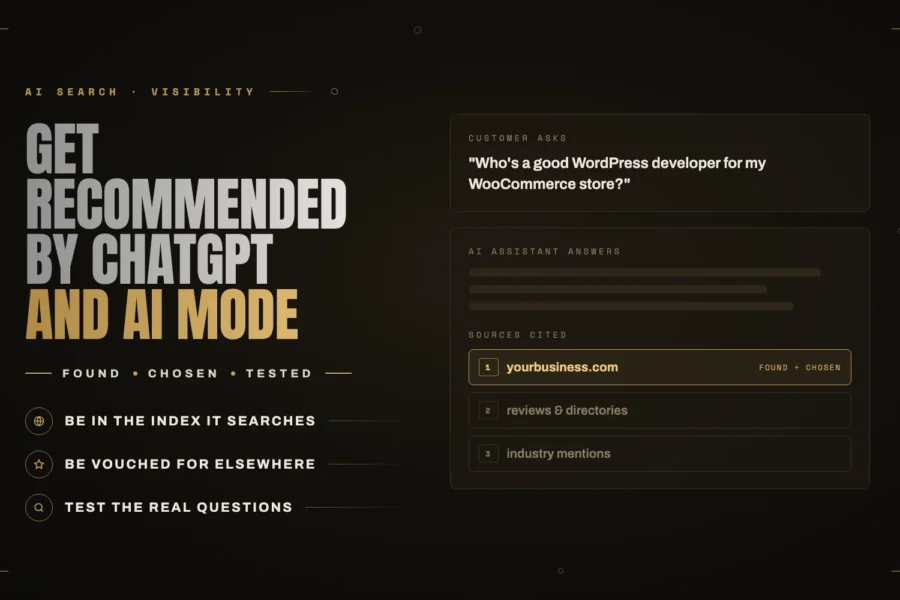 AI Search
How to get your business recommended by ChatGPT, Gemini and Google AI Mode
When someone asks an AI assistant for a recommendation, it has to find you and then choose you. Here is what each… Read article ↗ WordPress & AI