AI agents can now shop for your customers. Is your store ready?
Shoppers can now find, compare and buy products inside Google's AI Mode and Gemini without ever opening your site. Here is what the Universal Commerce Protocol is, where Shopify and WooCommerce stand, and the product data work that pays off either way.
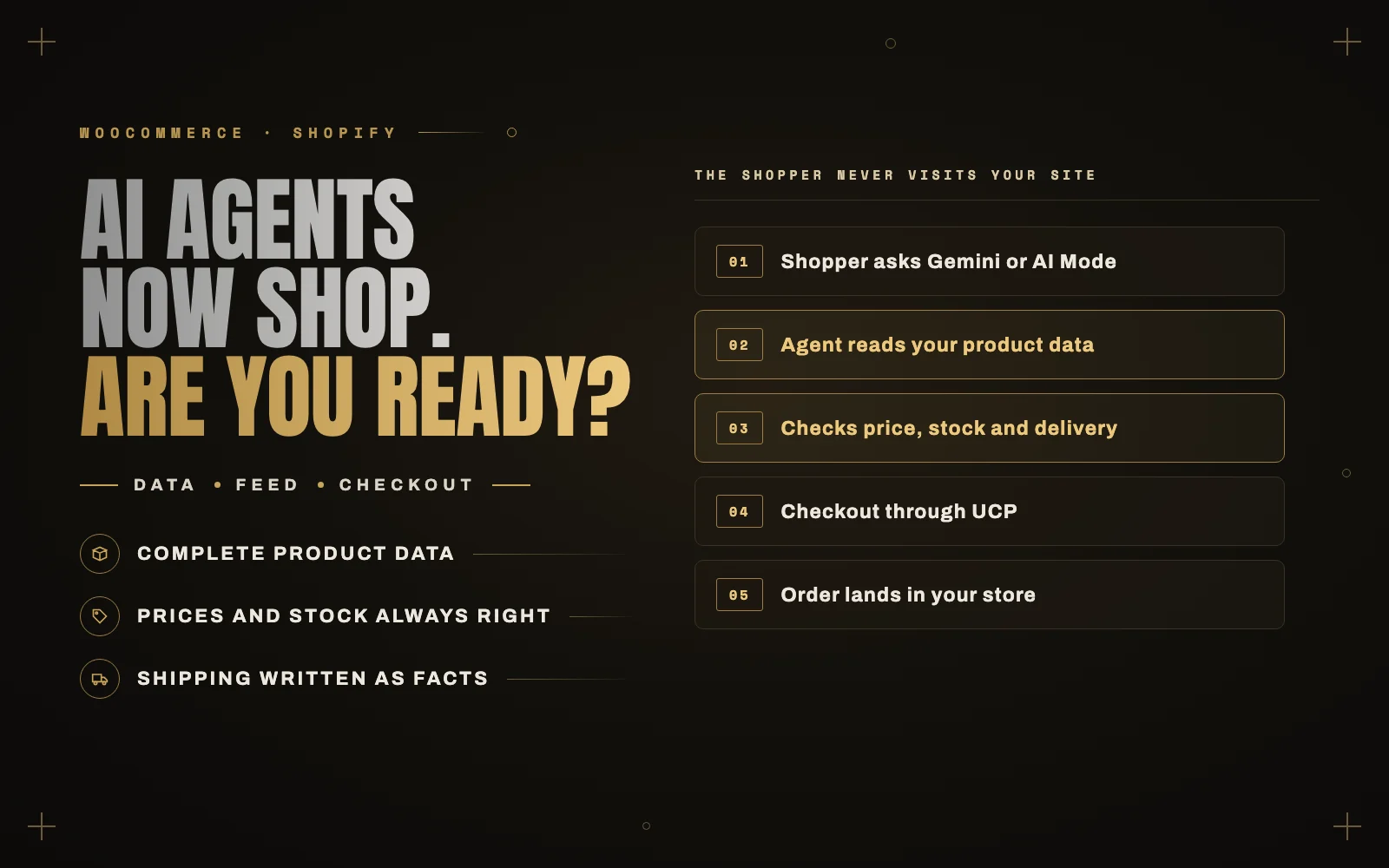
A shopper asks Gemini for a pair of waterproof running shoes under a certain price, in their size, that can arrive by Friday. It compares a handful of options, explains the differences, and when they pick one, completes the purchase right there in the conversation. The store gets the order. The shopper never visited the store’s website.
That is no longer a demo. It is what Google’s Universal Commerce Protocol was built for, and it is starting to roll out. If you run a store, the question people are searching for is a fair one: does this affect me, and what do I need to do?
What the Universal Commerce Protocol is
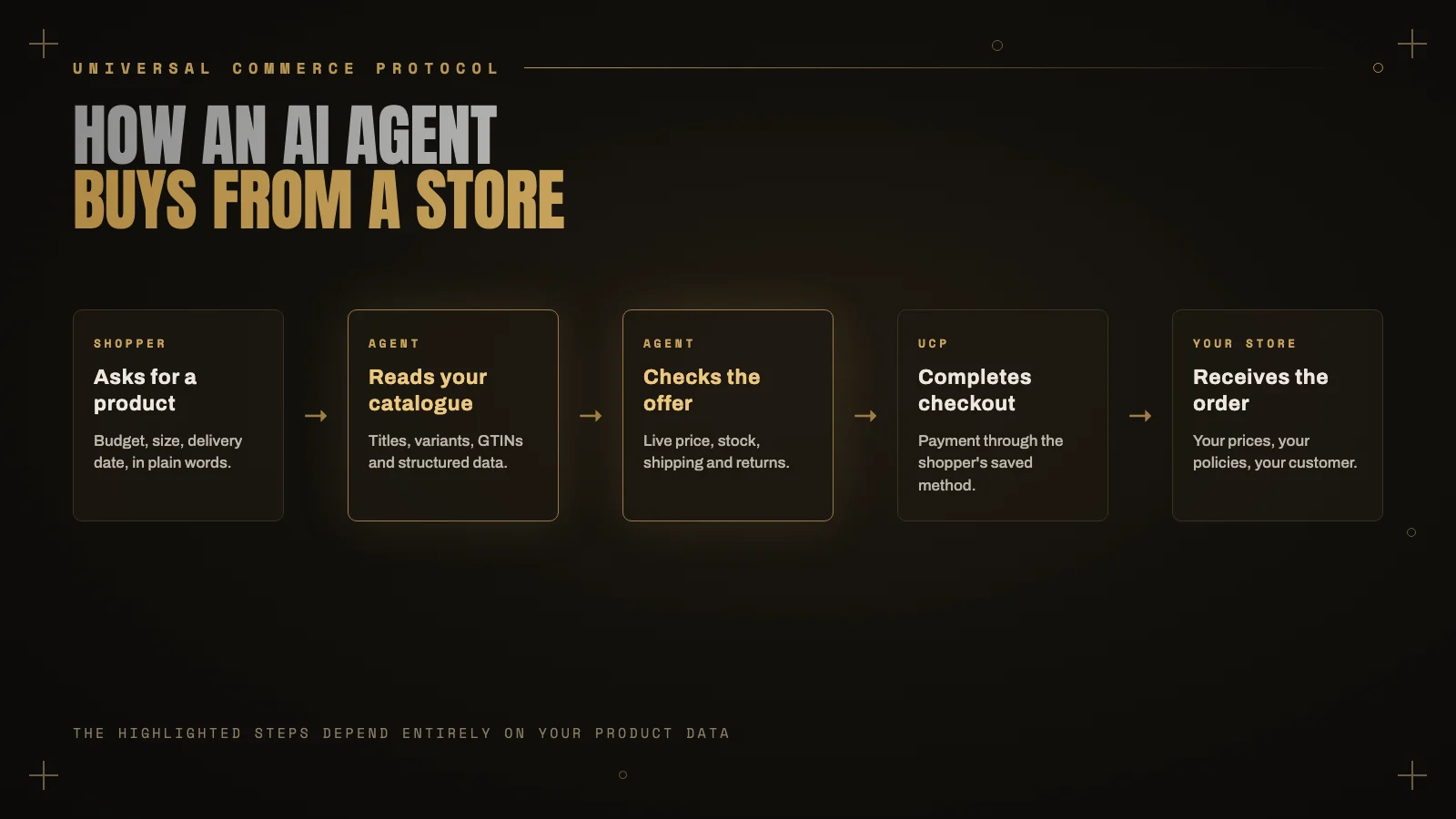
The Universal Commerce Protocol, or UCP, is an open standard that lets AI agents do the parts of shopping that used to need a person clicking through a website: find products, check price and availability, build a cart and pay.
Google announced it in January 2026, developed together with Shopify, and backed by more than twenty partners across retail and payments, including Stripe, Adyen, Visa and American Express.
The important detail for store owners is who stays in charge. You remain the merchant of record. The order lands in your system, at your prices, under your policies, and the customer relationship is yours. The agent is doing the browsing and the checkout form, not the selling.
Where Shopify and WooCommerce stand
Shopify
Shopify stores have the easiest route, which is not surprising given Shopify helped build the protocol. Selling through AI Mode and the Gemini app is managed from Shopify admin, through the same product catalog that feeds Shopify’s other AI sales channels. For most stores the work is reviewing what is enabled and getting the product data right, not building anything.
WooCommerce
WooCommerce is behind. At the time of writing there is no built in UCP support in WooCommerce itself, and WooCommerce lists it as coming soon. Third party plugins have appeared that publish the endpoints agents look for, and larger stores with custom pricing or subscriptions may need custom work.
Products can already reach Google’s AI shopping surfaces through a Google Merchant Center feed, so a well maintained feed is the sensible first step while the checkout side settles. I would be cautious about installing a brand new checkout plugin on a busy store until it has a track record. Check the current state before you commit, because this is changing month by month.
The work that pays off whichever platform you use
An AI agent cannot squint at a photo to guess whether a shirt runs small, and it cannot read between the lines of a vague returns page. It relies entirely on structured, accurate information. Most stores I look at are not ready for that, and the same fixes help with ordinary Google Shopping and AI Overviews today.
Complete product data
Clear titles that say what the product is, not just a brand name. Real descriptions with materials, dimensions and sizes. Every variant listed properly, with its own image, price and stock. Product identifiers such as GTINs where your products have them.
Prices and stock that are always right
An agent that quotes the wrong price or sells something out of stock costs you more than a lost sale. Make sure your feed updates as often as your stock changes, and that sale prices start and end when they should.
Shipping and returns written as facts
Spell out delivery times, costs by region and your returns window in plain terms, and add them to Merchant Center as well as your site. “Fast shipping” means nothing to an agent. “Delivered in 2 to 4 business days, free over a set order value” does.
Structured data on product pages
Product and Offer markup with price, availability, shipping and returns details lets anything reading the page, human tools or AI agents, understand it without guessing. Most good SEO and WooCommerce plugins handle the basics; check that what they output is complete and matches what the page actually says.
If an agent has to guess, it will pick the store that did not make it guess.
Should you rush?
Not necessarily. The rollout started in the United States, with other countries following, and it will be a while before AI checkout is a meaningful share of sales for most stores. If your customers are mostly outside the launch countries, there is no checkout integration to chase yet.
The product data work is different. It improves your Shopping listings, your chances of appearing in AI answers and your conversion rate on your own site right now, and it is the foundation every one of these agent channels will rely on. That is the part worth starting this month.
Where to start
- Audit your product titles, descriptions and variants for missing information.
- Set up or clean up your Google Merchant Center feed, and fix every warning.
- Make sure price and stock sync often enough to always be accurate.
- Rewrite shipping and returns as specific facts, on site and in Merchant Center.
- Check your product structured data is complete and matches the page.
- On Shopify, review the AI channels in admin. On WooCommerce, watch for official support before installing anything experimental.
If you want your store checked against what AI shopping agents will need, I do this for both Shopify and WooCommerce stores. Send me the store, and I will tell you what an agent would struggle with first. If checkout speed is also on your list, start with why WooCommerce checkouts get slow.