WooCommerce vs Shopify for a small business: how I help clients choose
I build stores on both WooCommerce and Shopify, so I have no reason to push either one. Here is how the two really differ on cost, control and effort, and the questions I ask clients before recommending one.
I build online stores on both WooCommerce and Shopify. Clients ask me which one is better almost every week, and my honest answer is that both are good platforms. The right choice depends on your products, your budget and, most of all, who is going to keep the store running after launch.
Here is how I explain the difference, and the questions I ask before recommending either.
The one-sentence difference
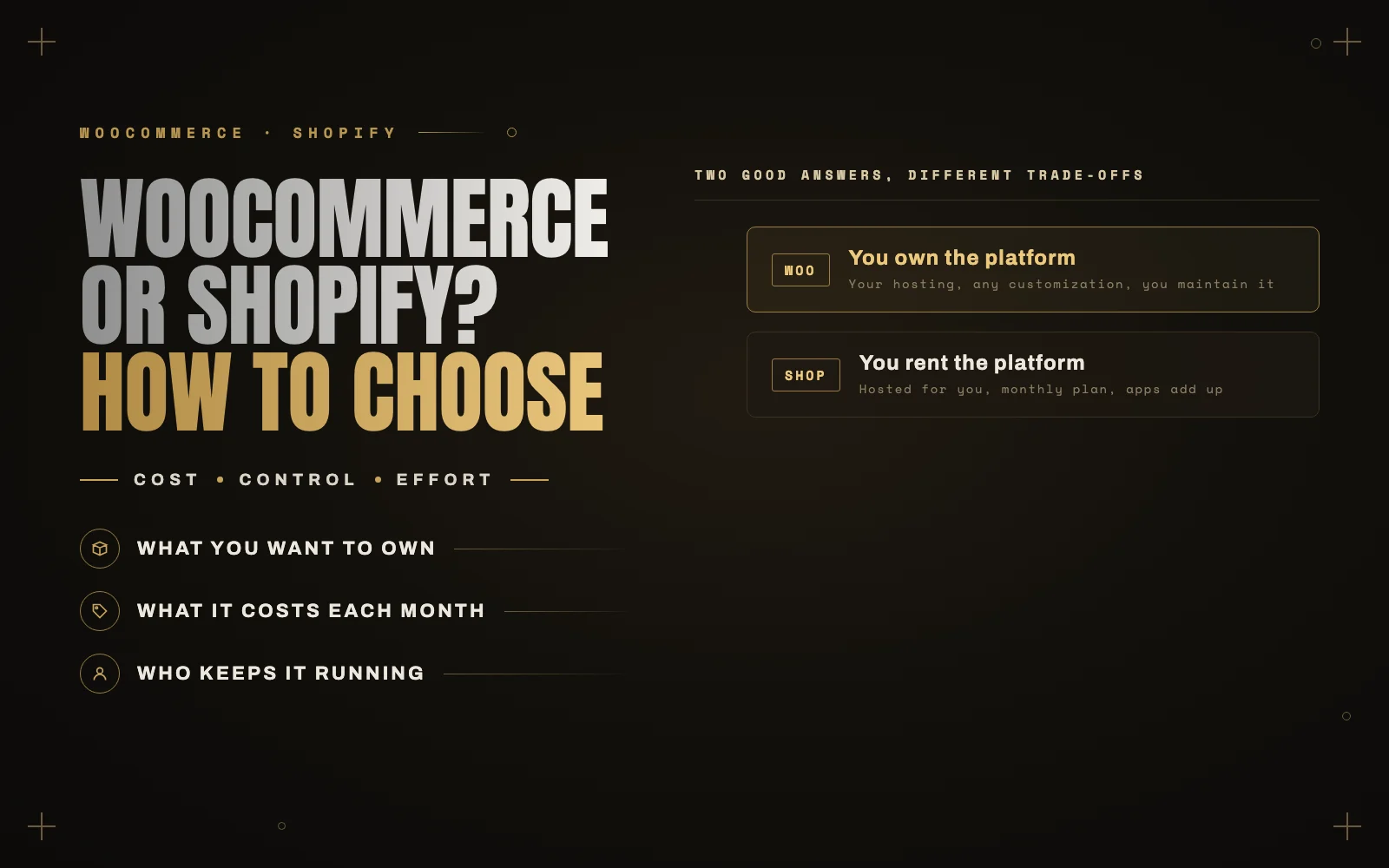
With WooCommerce, you own the platform. With Shopify, you rent it.
WooCommerce is a free plugin that turns a WordPress site into a store. You choose the hosting, you can change anything, and you are responsible for keeping it updated and secure.
Shopify is a hosted service. You pay a monthly subscription, Shopify runs the servers, the security and the checkout, and you work within what the platform and its apps allow.
Almost every other difference follows from that.
What each one really costs
Neither platform is as cheap or as expensive as its marketing suggests.
WooCommerce
The plugin is free, but a real store has running costs:
- Hosting. A store needs better hosting than a brochure site, especially for a fast checkout. Cheap shared hosting is the most common reason I see slow WooCommerce stores.
- Extensions. Subscriptions, advanced shipping, bookings and many payment features are paid extensions, usually renewed every year.
- Maintenance. Someone has to test updates and fix what breaks. That is either your time or a developer’s. I break down what that involves in what a WordPress maintenance plan should include.
- Payment processing. You pay your payment provider’s card fees, the same as any store.
Shopify
The subscription is predictable, but it is rarely the whole bill:
- The monthly plan, which goes up as you need more features.
- Apps. Many features that are a one-time plugin on WooCommerce are a monthly app on Shopify. A few apps can quietly cost more than the plan itself.
- Payment fees. You pay card processing fees, and Shopify adds its own transaction fee if you use a payment provider other than Shopify Payments.
- Themes. A premium theme is a one-time cost, and customizing it beyond its settings needs a developer who knows Liquid.
Check both platforms’ current pricing pages before you decide, and add up the apps or extensions you will actually need. That total, over two or three years, is the real comparison.
Control and flexibility
This is where WooCommerce wins clearly.
Because it is WordPress, you can change anything: unusual product types, custom pricing rules, quote requests, complex shipping, B2B accounts, deep integrations with your other systems. If it can be built, it can be built on WooCommerce.
Shopify is flexible too, but within limits. The checkout, in particular, can only be customized so far, and some business models fight the platform rather than fitting it. You also cannot move your Shopify store to other hosting. If you leave, you rebuild.
Effort and peace of mind
This is where Shopify wins clearly.
Shopify handles hosting, security, uptime and platform updates for you. Nothing breaks because a plugin updated overnight. For a small team without technical help, that peace of mind is worth a lot.
A WooCommerce store needs looking after. Done well, that is a small, predictable amount of work. Done badly, or not at all, it is how stores end up slow, broken or hacked.
Content and SEO
If content is central to how you sell, such as guides, comparisons, recipes or a big blog, WordPress is hard to beat. Your store and your content live in one place, with complete control over structure and structured data.
Shopify can rank perfectly well, but its blog and page structure are more limited, and some URL patterns are fixed by the platform.
Both can now be read by AI shopping agents, which is becoming its own channel. I wrote about that in AI agents can now shop for your customers.
How I help clients decide
These are the questions I ask, roughly in this order:
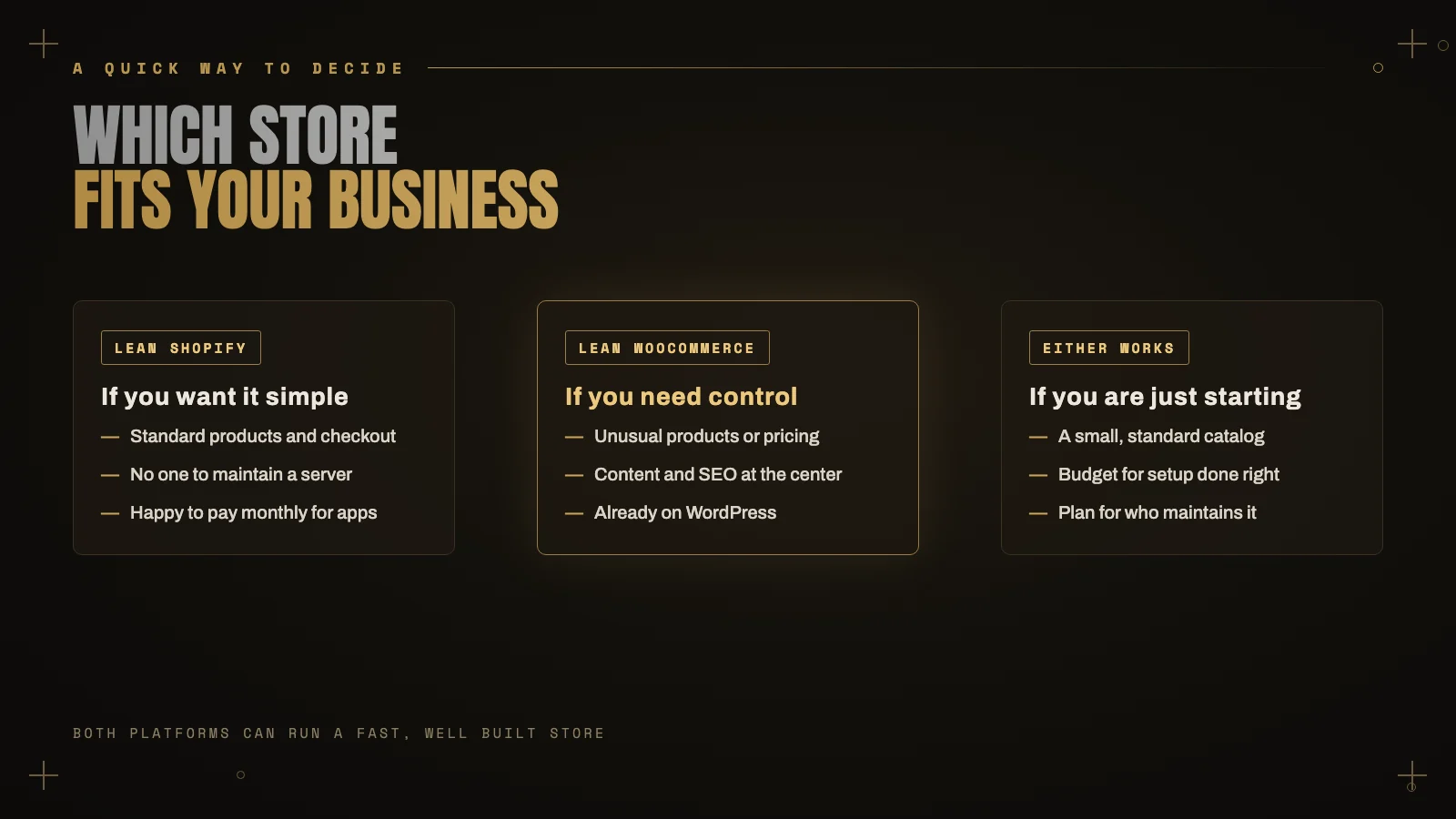
- Who will look after the store after launch? If the honest answer is “nobody”, that points strongly to Shopify.
- Are your products or pricing unusual? Custom builders, quotes, complex variations, wholesale pricing or memberships point to WooCommerce.
- Are you already on WordPress? Adding WooCommerce to an existing WordPress site with good content is often the easiest path.
- How important is content? If you plan to publish a lot, WordPress gives you more room.
- What will it cost over three years? Add the plan or hosting, the apps or extensions, and maintenance. The cheaper-looking option often is not.
Choose the platform that fits how your business will actually run in two years, not the one with the cheapest first month.
Already chosen, but not happy?
Switching platforms is a big project, and it is not always the answer. Many “WooCommerce is too slow” stores just need better hosting and a cleaner checkout, and many “Shopify is too limiting” stores need one well built custom section, not a migration.
I build and fix stores on both platforms, so I can tell you honestly whether to stay or move. See my services or tell me about your store.
Keep reading
 WooCommerce
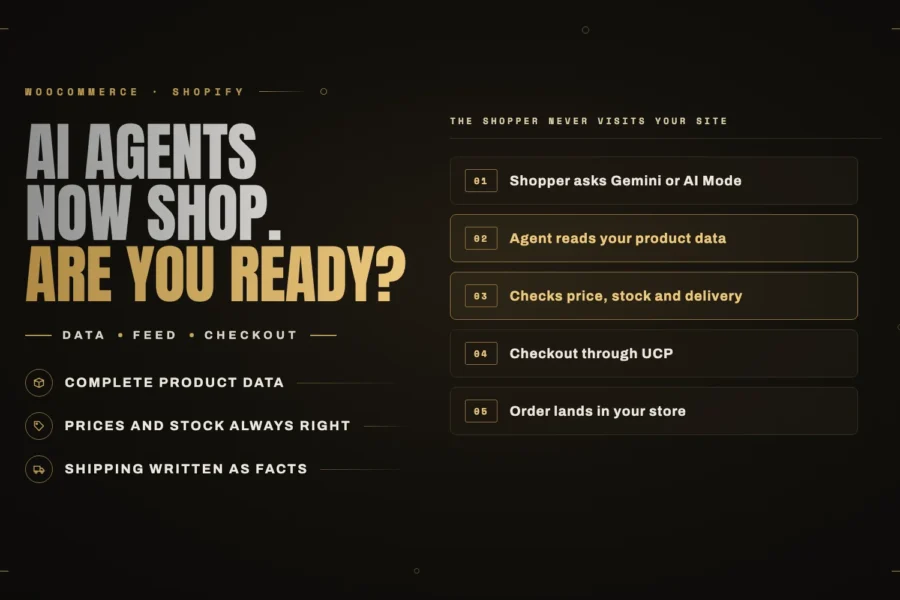
AI agents can now shop for your customers. Is your store ready?
Shoppers can now find, compare and buy products inside Google's AI Mode and Gemini without ever opening your site. Here is what… Read article ↗ WooCommerce