“WordPress vs Wix,” “WordPress vs Squarespace” and “WordPress vs Wix vs Squarespace” are three of the most searched WordPress comparisons on Google. Most of the articles that rank for them are written by one of the three companies, or by sites paid to send you to one.
I build mostly on WordPress, so I have a bias. But I also tell clients when WordPress is overkill, and I would rather you pick the right tool than pay me for the wrong one. Here is how I help people decide.
The one question that decides most cases
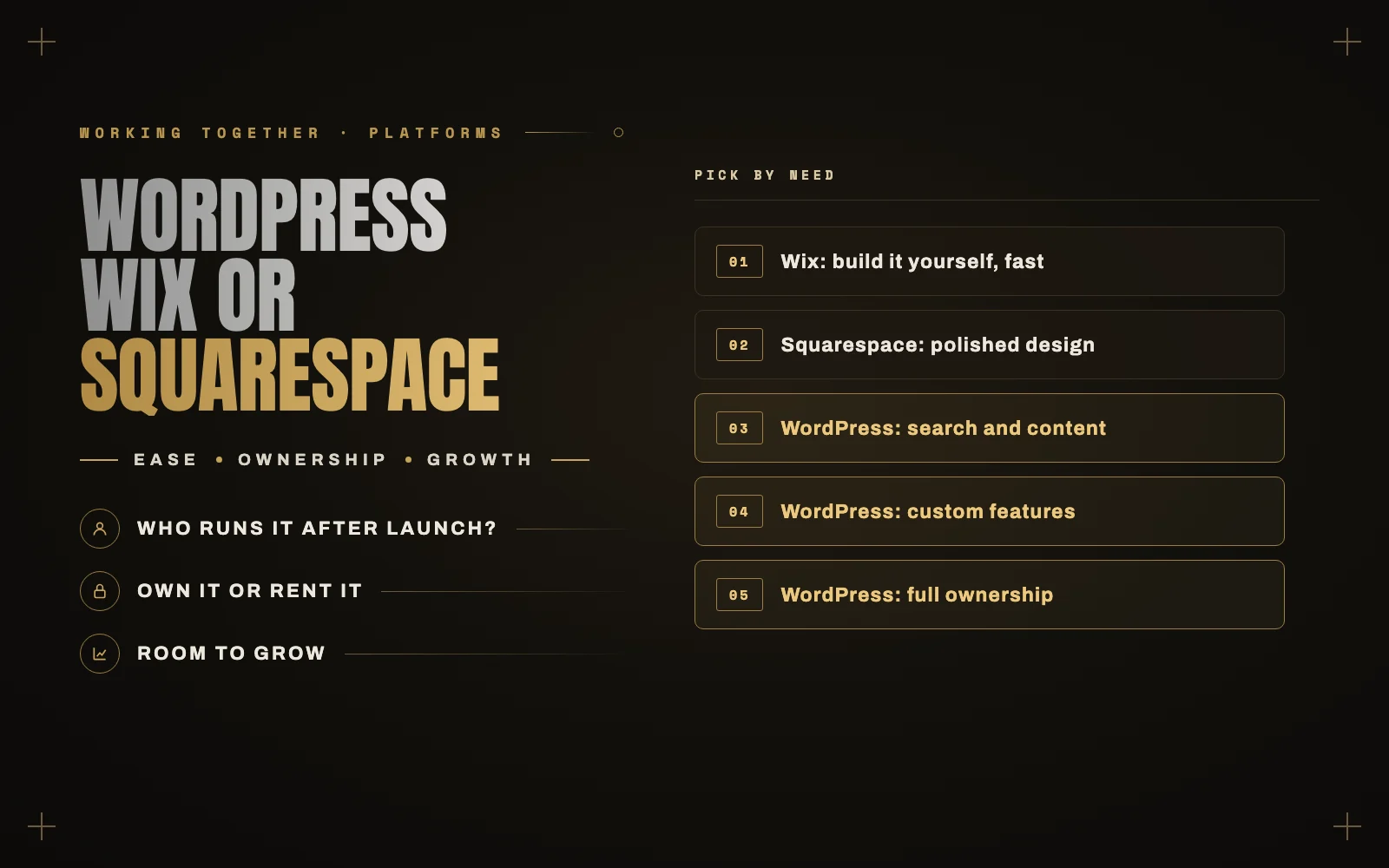
Who is going to run the site after launch?
- You, alone, with no technical help, and you want to never think about updates: Wix or Squarespace.
- You, with a developer or agency on call, or a team that will grow it: WordPress.
Most of the differences below follow from that.
How they compare
Ease of use
Wix is the easiest to start. You drag things anywhere on the page, and that freedom is great until you try to make it look right on a phone.
Squarespace is a little more structured. Its templates are polished and hard to make ugly, which is its whole appeal.
WordPress has the steepest start. Once a developer has set it up properly, though, editing content is straightforward, and you can lock down what clients can change so nothing breaks.
Cost
Wix and Squarespace charge a monthly subscription that includes hosting, security and updates. It is predictable, but it rises as you add features and it never stops.
WordPress software is free, but you pay for hosting, premium plugins and a developer’s time to build and maintain it. It usually costs more upfront and can cost less over time, especially as the site grows. The upkeep is the part people underestimate, so I wrote about what WordPress maintenance should cost.
SEO and AI search
All three can rank. Wix and Squarespace have improved a lot here, and the old idea that they cannot rank is out of date.
Where WordPress pulls ahead is control: page speed tuning, structured data, custom page types, hundreds of location or product pages, and full control over how your content is presented to search engines and AI assistants. If search is your main source of customers, that control matters. More on that in how to get recommended by ChatGPT and Google AI Mode.
Ownership
This is the difference people notice too late.
With WordPress, you own the site. You can move it to any host, hire any developer and export everything.
With Wix and Squarespace, you rent it. You can export some content, but the design and much of the structure stay behind. If prices rise or features change, your options are to accept it or rebuild.
Features and growth
Wix and Squarespace have app markets that cover common needs: bookings, forms, simple stores, newsletters. If you need something they do not offer, you mostly cannot build it.
WordPress has tens of thousands of plugins, and anything they do not cover can be built. Membership areas, custom quoting tools, B2B ordering, integrations with your CRM or ERP: this is where WordPress wins clearly.
Ecommerce
For a handful of products, all three work. For a serious store, the real comparison is WooCommerce against Shopify, not Wix or Squarespace, and I covered that in WooCommerce vs Shopify for a small business.
Security and maintenance
Wix and Squarespace handle security for you. That is a genuine advantage.
WordPress puts it on you or your developer. Done well, it is very safe. Left alone, it is the most common way sites get hacked. If you choose WordPress, budget for maintenance from the start.
Which one should you pick?
Pick Wix if you want to build it yourself this weekend, you like freedom in the layout, and the site is a few pages with a contact form or bookings.
Pick Squarespace if you are a creative business, a portfolio or a small service company, you value design over flexibility, and you want something that looks good without effort.
Pick WordPress if search is a major source of customers, you publish content regularly, you need custom features or integrations, you want to own your site outright, or you expect the site to grow over several years.
What about moving later?
Moving from Wix or Squarespace to WordPress is common, and it is very doable. The content comes across, and the design gets rebuilt. The important part is keeping your URLs or redirecting them, so you do not lose the search rankings you have built up.
Moving from WordPress to a hosted builder is less common, and you give up more along the way.
Still not sure?
If you are deciding right now, tell me about your business and what the site needs to do. If WordPress is the right fit, I can build it. If it is not, I will say so.