Most WordPress plans are sold on the routine work: updates, backups and monitoring. That matters, and I covered it in my guide to WordPress maintenance plans. But when people search for a support plan, they usually want something else. They want to know that when something breaks, or they need a change, someone will answer and deal with it.
That part of a plan is the hardest to compare, because it is mostly promises. “Priority support.” “Unlimited small tasks.” “Fast response.” This post explains what WordPress support should actually cover, how the common pricing works, and the questions that turn those promises into something you can hold a provider to.
Support and maintenance are two different jobs
- Maintenance is the work you do not see. Updates, backups, security and monitoring, done on a schedule whether or not anything is wrong.
- Support is the work you ask for. Fixing something that broke, answering a question, changing a page, adding a form, working out why the site is slow today.
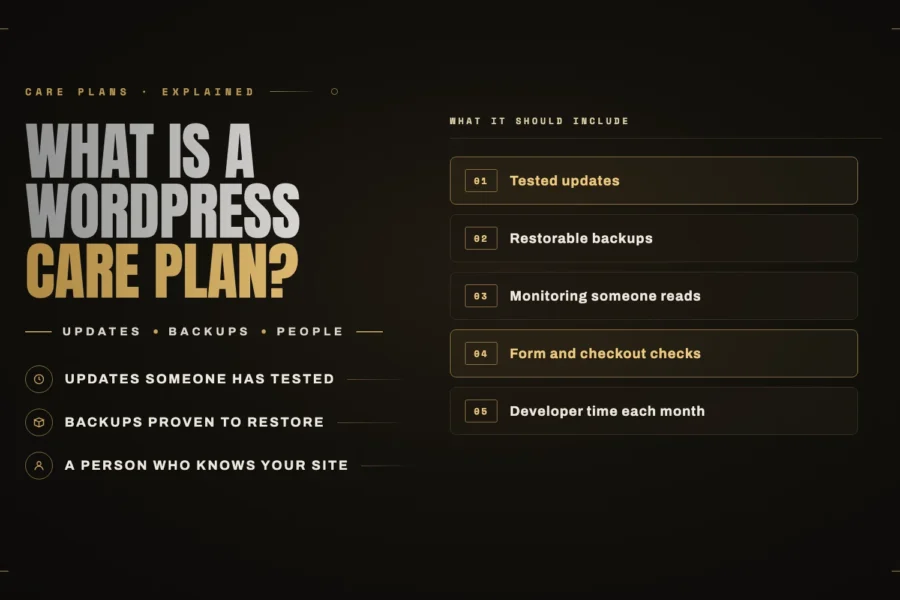
Most plans bundle both, and you need both. A plan that is all maintenance leaves you on your own when you need a change. A plan that is all support means nobody is preventing the problems you end up calling about. If you are comparing plans, check how much of each you are getting. I explain the full package in what a WordPress care plan is.
What WordPress support should cover
Fixing what breaks
The core of any support plan. The site shows an error, a page layout breaks, a plugin stops working or the site is hacked. Check whether fixes are included in the plan or billed separately, and whether “included” has a limit.
The fixes I am asked for most often are the same handful: the white screen or critical error, database connection errors, redirect loops and forms that stop sending email. A good support provider has seen them all and fixes them quickly.
Small changes and content help
Updating text and images, adding a page, changing a menu, adding a field to a form, fixing something that looks wrong on mobile. This is often the most useful part of a plan, because without it every small change becomes a separate quote and a wait.
Answers to questions
“Should I install this plugin?” “Why did my traffic drop?” “Is this email from my host a problem?” Being able to ask someone who knows your site is worth a lot, and it prevents mistakes.
Investigating problems with your host
Plenty of problems sit between your site and your hosting. On my own site, the logs showed short bursts on a few days where WordPress could not reach its database. The site looked fine almost all of the time, and the only evidence was in the error logs. Finding that, working out that it is a server problem rather than a plugin, and giving the host the details they need is support work. Your host will rarely do the first two parts for you.
How response times work
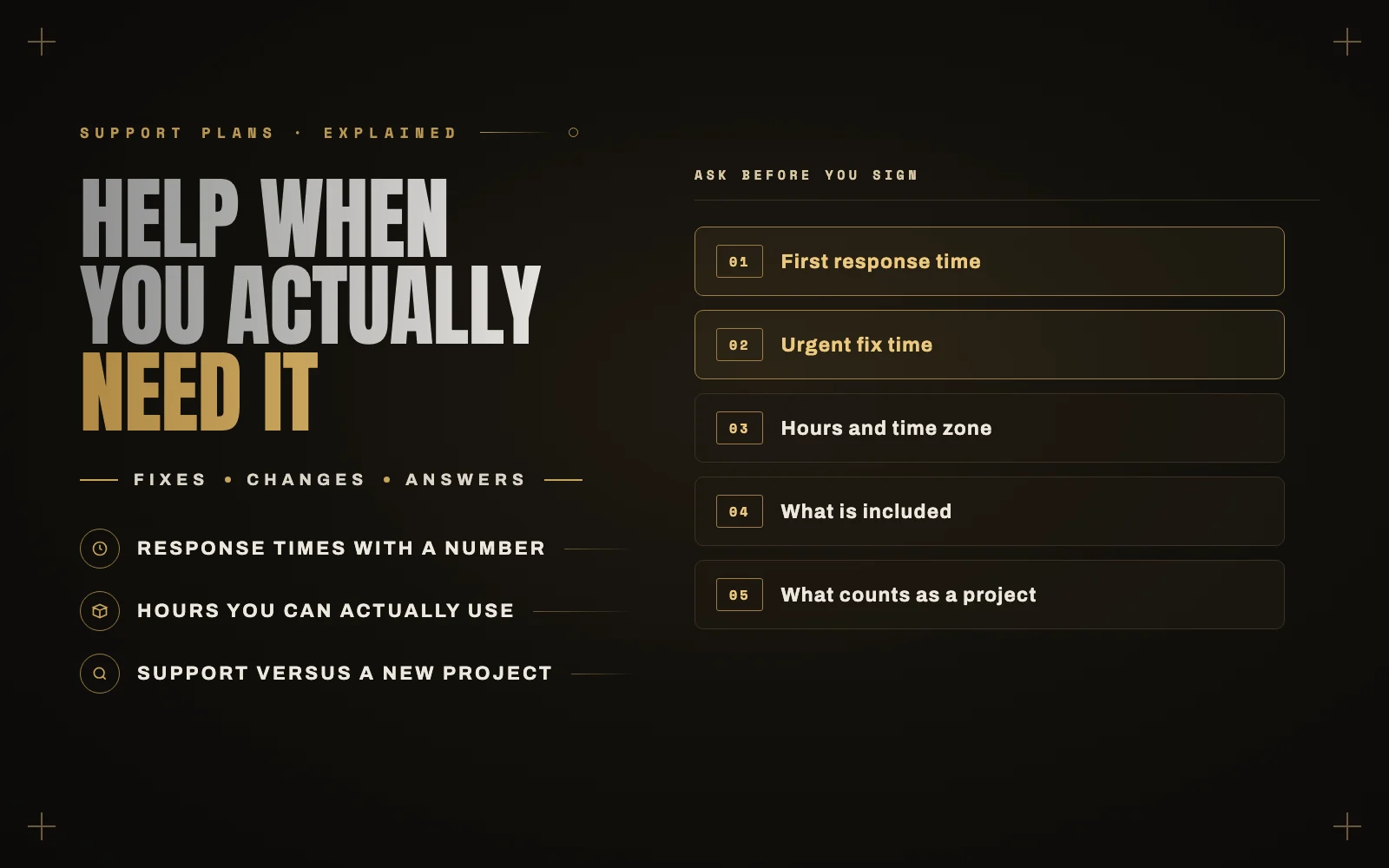
“Fast response” means nothing until it has a number. Ask for:
- The first response time. How long until a person replies, in hours or business days.
- The time to fix urgent problems. A site that is down or a broken checkout should be treated differently from a typo.
- Business hours and time zone. Whose working day does the response time count? Are weekends covered, and at what cost?
- How you report problems. Email, a help desk, a phone number? How do you flag something as urgent?
Also ask what counts as urgent. A sensible definition is anything that stops the site from loading, taking leads or taking payments.
Support hours: how the common models work
Most WordPress support plans are priced in one of these ways:
- Hourly, pay as you go. You pay for the time used. Simple and fair for sites that rarely need help, but there is no guaranteed availability.
- A monthly block of hours. For example, a few hours a month for changes and fixes. Ask whether unused hours roll over, and what extra time costs.
- “Unlimited small tasks”. Usually limited by a definition of “small”, often around 30 minutes per task, and by one task at a time. Read the definition before you rely on it.
- A retainer. A fixed monthly amount for ongoing development, maintenance and support, for businesses whose site changes all the time.
None of these is the right answer for everyone. Pick the one that matches how often your site actually needs work.
Where support ends and a project begins
This causes most of the disagreements between site owners and support providers, so settle it in writing before you sign. Fixing a broken contact form is support. Building a new booking system is a project. In between is a grey area: a new landing page, a redesigned header, a new plugin set up.
A good provider tells you upfront when a request is outside the plan, and gives you a quote before starting. Ask how they handle it.
Developer support versus host support
Your hosting company also offers support, often free and around the clock. It is good at server problems: the server is down, an email account is not working, PHP needs updating, an SSL certificate has expired.
Host support usually stops at the edge of your site. They will not normally debug your plugins, fix your theme or find out why your checkout fails for one payment method. Last month, when a serious PHP security flaw was announced, my own host took days to patch its servers. All I could do on the site was check for signs of compromise and wait. That is the split: the host fixes the server, and someone else has to look after everything running on it.
Questions to ask before you sign a support plan
- How fast is the first response, and how fast are urgent problems fixed?
- What hours and time zone does that cover? What about weekends?
- Are fixes included, and is there a monthly limit?
- How much time is included for changes, and do unused hours roll over?
- What counts as support, and what counts as a new project?
- Will I deal with the same person each time?
- What is not covered at all?
WordPress support plans: quick answers
What is a WordPress support plan?
A monthly service that gives you help when you need it: fixes when something breaks, small changes and answers to questions, usually bundled with routine maintenance like updates and backups.
What is the difference between WordPress support and maintenance?
Maintenance is the scheduled work that prevents problems, like updates, backups and monitoring. Support is the help you ask for, like fixes, changes and questions. Most good plans include both.
How much does WordPress support cost per month?
It depends on how much time and how fast a response you need. Hourly support suits sites that rarely need help. Monthly blocks of hours or a retainer suit businesses that change their site often. Compare the hours and response times included, not only the price.
Does WordPress.com or my host provide support?
Hosts, including WordPress.com, support their own platform and servers. They do not usually fix problems caused by your plugins, theme or custom code, or make changes to your site for you.
What is a fixed price WordPress support plan?
A plan with a set monthly fee instead of hourly billing. Check exactly what the fixed price includes, how many hours or tasks, and what happens when you need more.
Get support from a developer who knows your site
My support and maintenance work is billed hourly from $25, or as a $2,500 monthly retainer for businesses that need regular development, maintenance and support. Either way, you talk directly to the developer working on your site.
See WordPress maintenance and care, or tell me what your site needs.