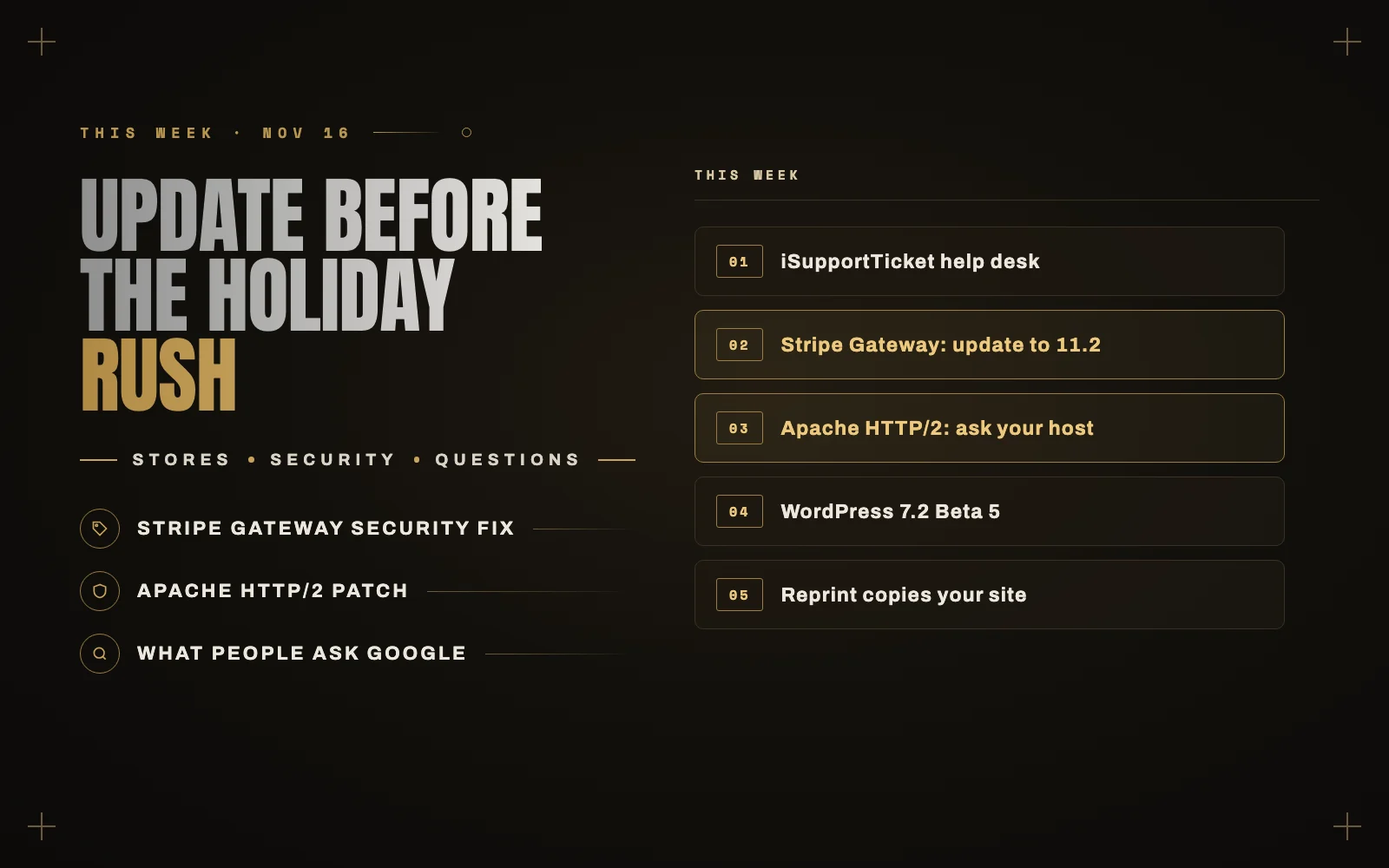
If you run a store, this is the week to check your plugins before the holiday rush. A payment plugin used by a lot of WooCommerce stores shipped a security fix, a web server many hosts use got a critical patch, and WordPress 7.2 moved closer to release. Here is what happened and what it means for your site.
New this week: iSupportTicket, a help desk inside WordPress
On Tuesday I introduced iSupportTicket, a help desk that lives inside your WordPress site.
Most small businesses answer support from a shared inbox until messages start getting buried. The usual fix is a help desk subscription that charges per agent, every month. iSupportTicket keeps it simple instead. Add one shortcode to a page and customers, including guests without an account, can open tickets and reply. Your team answers everything from one queue in the dashboard, with no ticket limits and no per-agent fees, and the conversations stay on your own site.
It is being prepared for the WordPress.org directory. Until it is listed there, I am sending copies to anyone who wants to try it early, and the launch post explains how to ask.
In case you missed it on this blog
This week was about the problems that take a site down, and how to fix them fast:
- WordPress white screen or critical error. How to get back in, even when you cannot reach wp-admin.
- Error establishing a database connection. What it means, and the order I check things in.
- Too many redirects. How to find the two settings that disagree.
- Contact form not sending email. Why it happens, and how to stop losing leads.
- Uptime monitoring. How to know your site is down within five minutes, for free.
- How to back up WordPress. And how to prove the backup actually works.
- WordPress update broke your site? How to recover, and a safer routine before 7.2 arrives.
The top WordPress stories this week
WooCommerce Stripe Gateway: update to 11.2.0
On November 11, WooCommerce released a security update for the WooCommerce Stripe Gateway. Update to 11.2.0, or to 11.1.2 if you need to stay on the 11.1 branch. WooCommerce says the most serious issues could have allowed fraudulent purchases, and that it has no evidence they were exploited.
There is a second issue worth knowing about. In version 10.9.0, under specific conditions, a customer’s new account password could be saved in plain text in the order data. That needed classic checkout, Stripe Express Checkout buttons on the checkout page, and a shopper creating an account while paying with Apple Pay or Google Pay. Newer versions remove those stored passwords automatically and email the site admin if any were found. If your store matched those conditions, check backups and order exports for copies too, and consider asking affected customers to reset their passwords.
The new versions need WordPress 6.9 or later, so check that first. With Black Friday close, test a full checkout on a staging copy before you update the live store.
A critical Apache HTTP/2 flaw: ask your host
Apache fixed a critical vulnerability in its HTTP/2 module, CVE-2026-119618, in Apache HTTP Server 2.4.71 on November 11. Versions 2.4.55 through 2.4.70 are affected when HTTP/2 is turned on, and it can lead to remote code execution on the server.
This is another server-level issue. Updating WordPress, plugins or a security plugin will not fix it, because Apache handles the connection before WordPress runs. If your host uses Apache, ask whether HTTP/2 is enabled and whether the fix is installed. Hosts can backport fixes, so the version number alone may not tell you.
WordPress 7.2 Beta 5 is out
Beta 5 landed on November 10. Two changes stand out for site owners: WordPress now emails you when an application password is created on your account, and keyboard navigation in the admin toolbar is better. The final release is still planned for December 8.
The developer notes this week also confirmed a few features coming in 7.2. A new Secrets API stores things like API keys encrypted rather than as plain settings, and paragraphs and headings get a built-in text shadow control. If you run a custom theme or plugin, test on staging now.
Reprint: a free tool to copy a WordPress site
WordPress.org announced Reprint, a free, open-source tool that copies a site’s files and database to a new host or to a local test copy. It can resume if the connection drops, updates links to the new address, and copies only what changed when you run it again. It is useful for moving hosts or building a staging copy without a paid migration plugin.
Gutenberg 24.4, and a new flagship theme
Gutenberg 24.4 adds search and emoji reactions to Notes and extends content-only editing to more blocks. The WordPress design team also introduced Mētis, a new flagship theme meant to show off what the editor can do.
Another week of plugin vulnerabilities
Wordfence logged 497 new vulnerabilities in 312 plugins and 1 theme from November 2 to 8. Of those, 21 were critical and 40 had no patch yet. The pattern holds: most risk comes from plugins, so fewer plugins and prompt updates still do most of the work.
What people are asking Google about WordPress right now
These come from Google’s search suggestions this week, with short answers.
Why is my WordPress site down?
Check whether it is only you first, by loading the site on your phone with Wi-Fi off. Then look at the error you see. A blank page or “critical error” is usually a plugin, “Error establishing a database connection” is the database, and no response at all is usually your host. My guides for the critical error and the database error walk through each one.
Is WordPress down right now?
WordPress is software that runs on your own host, so it does not go down for everyone at once the way an app does. If your site is down, the cause is your server, a plugin or your hosting. WordPress.com is a separate hosted service with its own status page.
How do I fix WordPress stuck in maintenance mode?
Delete the file named .maintenance in your site’s root folder using your host’s file manager, then rerun the update that was interrupted. I covered it in what to do when an update breaks your site.
How do I fix a WordPress redirect hack?
If visitors get sent to spam sites, treat it as a hack, not a settings problem. Change every password, update everything, and look for unknown admin users, files in uploads and changes in .htaccess. Here is what to do in the first hour, and why these hacks come back if a step is skipped.
How do I secure the WordPress login page?
Use strong, unique passwords and two-factor authentication for every admin, limit failed login attempts, and remove admin accounts nobody uses. Turning off XML-RPC helps if nothing on your site needs it.
How do I speed up the WordPress backend?
Measure first with the free Query Monitor plugin, then deal with the slowest plugin, autoloaded options and WP-Cron. I walk through it in why the WordPress admin is slow.
How much does a WordPress website cost per month?
The running costs are hosting, a domain and any premium plugins, from a few dollars a month for a simple site. The part people forget is looking after it. Here is what a WordPress maintenance plan should include and cost.
Can I add an AI chatbot to WordPress?
Yes. Many plugins do it, and since WordPress 7.0 they can use an AI provider you connect once in Settings, Connectors. Decide what the chatbot is allowed to see and do before you switch it on, and read how to connect AI to WordPress safely.
What is new in WordPress 7.2?
Encrypted storage for API keys, text shadows in the editor, a new default theme called Ipsum, better keyboard navigation in the admin, and emails when application passwords are created. It is planned for December 8.
Topics to watch next week
- WordPress 7.2 release candidates. The last chance for theme and plugin authors to finish testing.
- Store updates before Black Friday. Update payment plugins now, not on the busiest weekend of the year.
- Hosts and the Apache fix. Expect hosts to confirm whether they were affected.
Need a hand?
If you run a store and want your plugins updated and checkout tested before the holiday rush, that is exactly what my WordPress maintenance plans are for. Tell me about your site, and if you need a help desk without the per-agent fees, ask me for early access to iSupportTicket.