This week in WordPress: iShareBlog is live, 7.1.4 fixes 12 security issues, and what people are asking Google
My new plugin iShareBlog is now in the WordPress.org directory. Also this week: WordPress 7.1.4 fixes 12 security issues, 7.2 Beta 2 is out, MCP is heading for core, two supply chain attacks hit popular plugins, and the WordPress questions people are typing into Google right now.
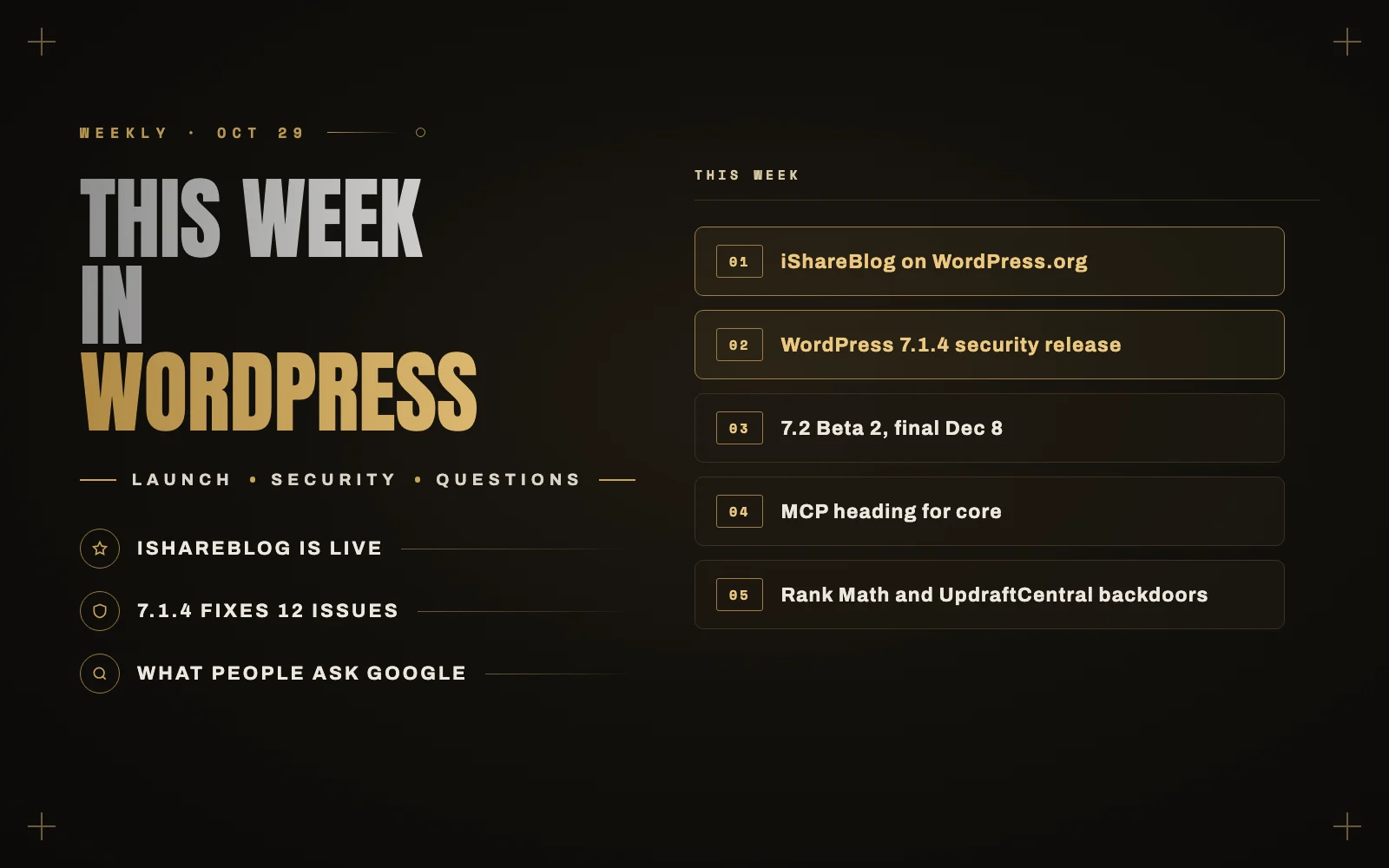
It was a busy week. I shipped a new plugin to the WordPress.org directory, WordPress pushed out another security release, and two well known plugins were used to plant backdoors on live sites. Here is what happened, what it means for your site, and the WordPress questions people are searching for most right now.
New this week: iShareBlog is in the WordPress.org directory
iShareBlog was approved on WordPress.org on October 28, and version 1.0.2 is live. It is free.
I built it because most share buttons hand the reader an empty box. Someone likes your post, clicks LinkedIn, and then has to decide what to say about it. Most people give up at that point. iShareBlog fills that box for them.
What it does:
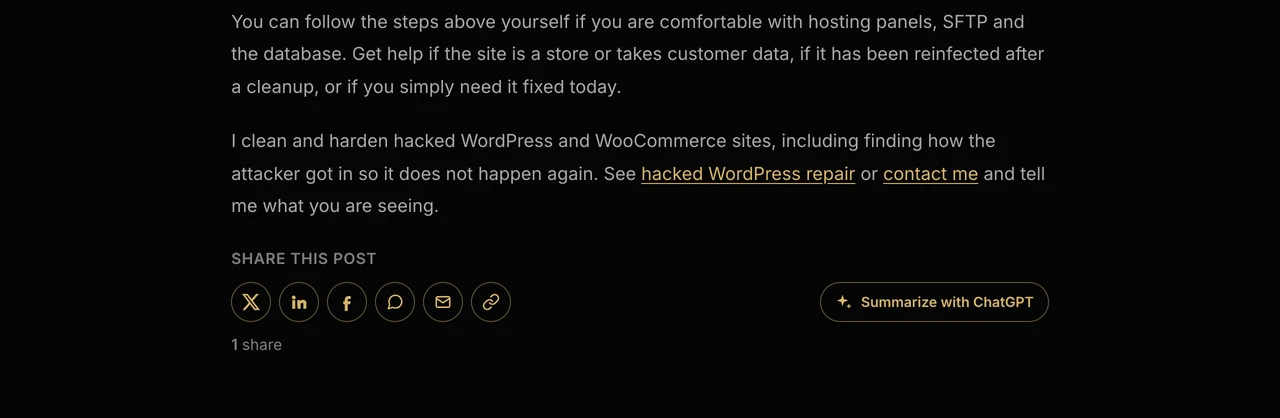
- Share buttons for X, Facebook, LinkedIn, WhatsApp, Telegram, Reddit, Pinterest, email and copy link. They go before or after your posts automatically, or anywhere with the
shortcode. The default style is outlined and icon only, and it picks up your theme’s primary color. - Prefilled summaries. Each button opens with a short summary of the post already written, so the reader only has to click Post.
- Summarize with ChatGPT. A button that opens ChatGPT with a prompt asking for an overview and the key takeaways of your post. Claude and Perplexity versions are available too. Readers increasingly use AI assistants to digest long articles, and this puts your page in the conversation instead of a competitor’s summary of it.
- Click-to-share quotes. Add a “Shareable Quote” block, or let readers highlight any text in a post and share it from a small popup.
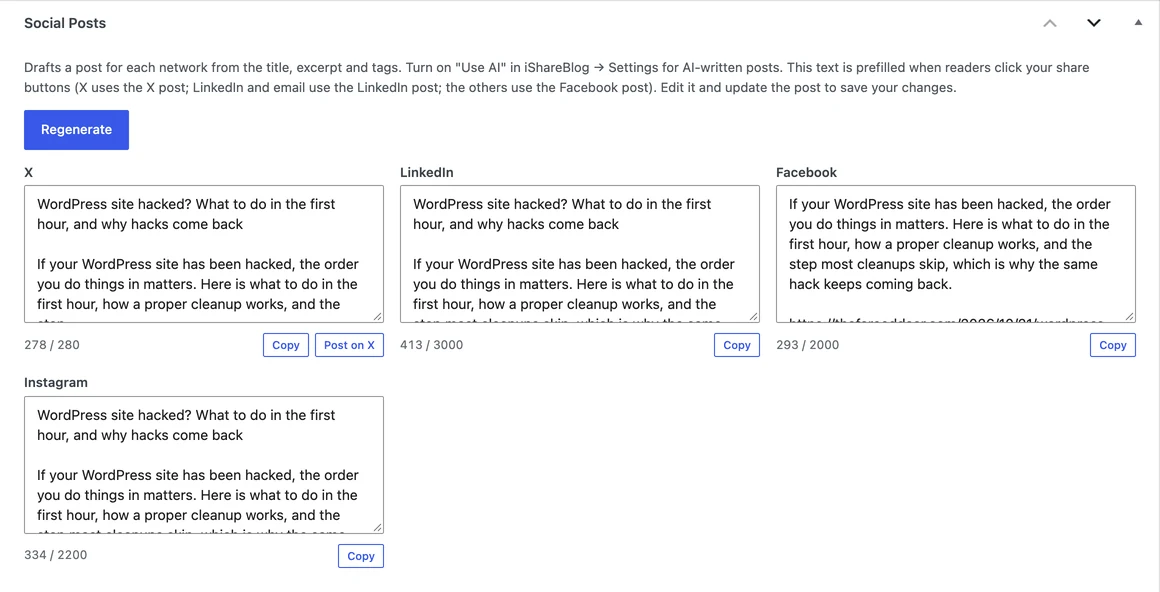
- Social posts in the editor. A “Social Posts” box drafts a post for X, LinkedIn, Facebook and Instagram. On WordPress 7.0 and later it can write them with the WordPress AI Client, using whatever AI provider you set up in Settings, Connectors. The plugin stores no API keys of its own.
- Share analytics. Total shares, shares per day, top networks, top posts, and whether shares came from buttons, quotes or highlighted text.
It adds no external scripts, tracking pixels or third party requests to your pages. The analytics store only the post, the network, where the click came from and the time. The visitor’s IP is never stored. It needs WordPress 6.4 or later and PHP 7.4 or later.
You can see it working on this post. Scroll to the end, or highlight a sentence you like.
In case you missed it on this blog
Here is what I published over the past week:
- PHP2Shell: the PHP bug AI found, and what WordPress site owners should do today. A critical PHP flaw, and why the fix happens at your host, not in your dashboard.
- Elementor site slow? How to speed it up without a rebuild. The settings and habits that make Elementor heavy, and what to change first.
- Hiring an offshore WordPress developer. How to do it safely, from someone on the other side of the arrangement.
- WordPress site hacked? What to do in the first hour. The order that matters, and the step most cleanups skip.
- Taking over a WordPress site from another developer. The handover checklist I use, so nothing gets lost.
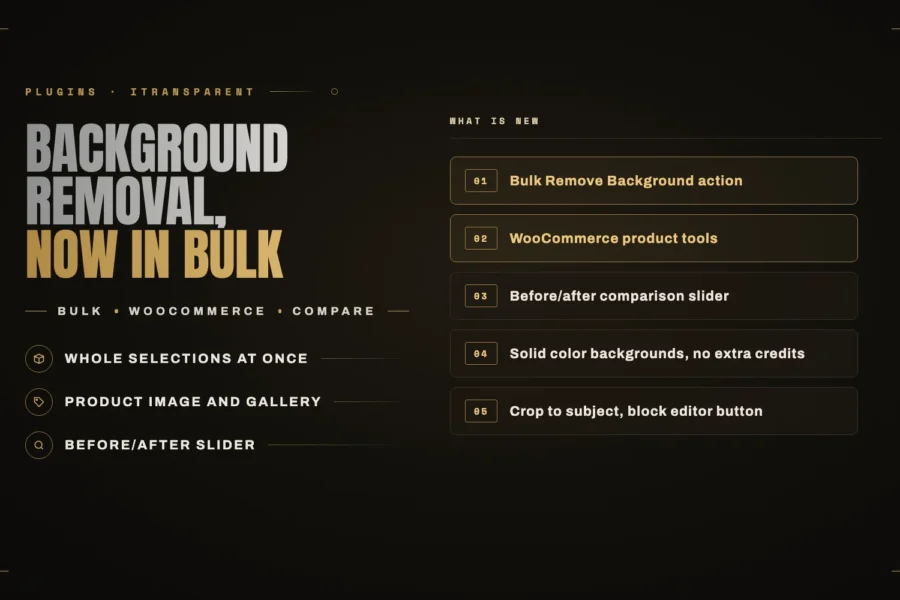
- What’s new in iTransparent – Media Background Remover. Bulk background removal, WooCommerce product images and a before/after slider.
The top WordPress stories this week
WordPress 7.1.4 fixes 12 security issues. Update now
WordPress 7.1.4 came out on October 28. It fixes 12 security issues, including a remote code execution weakness in the upgrade process, a long list of stored cross-site scripting bugs (in blocks, the Customizer, the Interactivity API and privacy requests), and a leak that let logged out visitors find unpublished Customizer changes.
Sites with automatic background updates will get it on their own. Check anyway: go to Dashboard, Updates, and make sure you see 7.1.4. It is the second 7.1 security release this month, which is exactly why I tell clients that “set and forget” is not a maintenance plan.
WordPress 7.2 Beta 2 is out, final release December 8
Beta 2 landed on October 27, a week after Beta 1. The final release is scheduled for December 8. The changes most site owners will notice:
- Responsive design controls on more blocks, so gallery columns and image crops can differ on phones and desktops.
- Menu editing from the editor sidebar, which makes navigation much less painful.
- Faster media uploads. Images are resized, compressed and converted in the browser before they reach your server.
- Notes (the editor’s comment feature) get emoji reactions and margin notes, which helps when a team reviews posts.
- A faster admin, with scripts loaded individually for better caching.
- For developers: a new Secrets API, plus more work on the Abilities, Interactivity and HTML APIs.
Do not run a beta on a live site. Try it on a staging copy if you want to check your theme and plugins early.
MCP is heading for WordPress core
According to the AI team’s weekly summary, Matt Mullenweg has approved making MCP “a de facto part of the WordPress experience.” MCP is the standard that lets AI assistants like Claude and ChatGPT connect to a site and do things on it. WordPress 7.3 was floated as a target, with no firm commitment, and the official MCP Adapter plugin has been on WordPress.org since October 7. WooCommerce 11.3 also dropped its old MCP endpoint in favor of that adapter.
This is a big deal for how sites will be managed. It also raises the stakes on permissions, because an AI assistant can do whatever its account can do. I covered how to set that up safely in letting AI work on your WordPress site.
Two supply chain attacks in one week
This is the story I would want every site owner to read.
- Rank Math PRO 3.0.123 was compromised. Rank Math confirmed that some PRO downloads between October 15 at 20:02 UTC and October 16 at 07:12 UTC contained a backdoor. The free version on WordPress.org was not affected. If you activated an affected copy, treat the site as compromised: restore a backup from before October 15, rotate your passwords and keys, and install the clean 3.0.124 from your Rank Math account.
- Stolen UpdraftCentral keys were used to backdoor sites. TeamUpdraft says its site was breached on October 17 and 18, and Patchstack found at least 99 fake plugins, with names like “Site Health Cache,” installed through stolen connection keys. Only sites connected to UpdraftCentral are exposed. Update UpdraftPlus, delete your old connection keys, and look for plugins and admin users you do not recognize.
In both cases nobody did anything wrong on their own site. The attackers came in through a plugin the owners trusted. Updates alone do not remove a backdoor that is already in place, which is why I wrote what to do in the first hour after a hack.
Bricksforge flaw under active attack
A critical flaw in the Bricksforge add-on for the Bricks builder, CVE-2026-85097, lets attackers who are not logged in upload and run code on a site. Patchstack has seen it exploited since October 7. If you use Bricksforge, update to the latest release today and check your logs.
PHP2Shell, one week on
PHP has patched the PHP2Shell flaws, but plenty of hosts are still rolling the fix out. The patched versions are 8.2.35, 8.3.36, 8.4.27 and 8.5.12. If your host has not moved yet, here is what to do in the meantime.
What people are asking Google about WordPress right now
I went through Google’s search suggestions for common WordPress questions this week. These are the ones that keep coming up, with short answers.
Why is my WordPress site so slow?
Usually it is one of three things: cheap or overloaded hosting, a heavy page builder setup, or a plugin running slow database queries. If the admin is slow but the front end is fine, suspect plugins first. Start with my Core Web Vitals case study and the Elementor speed guide.
Is WordPress safe?
Yes, if someone looks after it. The core software is patched fast, as 7.1.4 shows. Most hacks come through outdated plugins, weak passwords and, as this week proved, compromised vendors. Keep things updated, use fewer plugins, and keep backups you have actually tested restoring.
Is WordPress outdated?
No. WordPress 7.2 is due in December with responsive design controls and faster uploads, and MCP support is on the way so AI assistants can work with your site. Old WordPress sites can feel outdated. The platform itself is moving faster than it has in years.
Should I use WordPress, Wix, Squarespace or Shopify?
Wix and Squarespace are simpler to start with and fine for a small brochure site. WordPress wins when you need custom features, full ownership of your site and content, or room to grow. For online stores the choice is closer, and I walk through it in WooCommerce vs Shopify for a small business.
How much does WordPress cost?
The software is free. You pay for hosting, a domain, any premium themes or plugins, and someone’s time to build and maintain it. The ongoing part is the one people forget, so here is what a maintenance plan should include and cost.
Does WordPress have AI?
Yes. Since WordPress 7.0, the AI Client lets plugins use an AI provider you connect once in Settings, Connectors, and the MCP Adapter lets assistants like Claude work with your site. iShareBlog uses the AI Client to write its social posts, so you can try it there.
Why is my WordPress site not showing up on Google?
First check Settings, Reading, and make sure “Discourage search engines from indexing this site” is unticked. It gets left on after launches more often than you would think. Then add the site to Google Search Console and submit your sitemap. If you were showing up and your traffic dropped, AI Overviews may be the reason. I explained how to tell in your rankings held but your traffic fell.
How do I update the PHP version on WordPress?
You change it in your hosting control panel, not in WordPress. Look for a “PHP version” or “PHP configuration” setting. Take a backup first, then check the site after switching. With PHP2Shell still around, make sure you end up on a patched version and not just a newer one.
When is WordPress 7.2 coming out?
The final release is scheduled for December 8, 2026. Betas run through November, followed by release candidates.
Topics to watch next week
- 7.2 testing. More betas are coming. If you run a custom theme, now is the time to test it on staging.
- More fallout from the supply chain attacks. Expect new backdoor variants and follow-up advisories from Patchstack and Wordfence.
- How MCP lands in core. The AI team is deciding whether to merge the adapter or bundle it, and that choice affects how much control site owners will have.
Need a hand?
If this week’s news has you unsure about your own site, whether it is the 7.1.4 update, a plugin you are not sure about, or a site that feels slow, take a look at what I do or tell me what you are seeing. And if you run a blog, give iShareBlog a try. I would love to hear what you think.
Keep reading
 Plugins
What’s new in iTransparent – Media Background Remover: bulk processing, WooCommerce and a before/after slider
The latest iTransparent – Media Background Remover release is a major update. Remove backgrounds from a whole selection at once, process WooCommerce… Read article ↗ Plugins
iMegaSearch: instant WordPress search that does not wait for the server
My new free plugin, iMegaSearch, replaces WordPress search with a full-screen overlay that shows grouped results as you type. The difference is… Read article ↗ Plugins